Affirm Breast Biopsy Guidance System User Guide
Chapter 3: Installation, Verification, and Removal
Page 14 MAN-06411-002 Revision 003
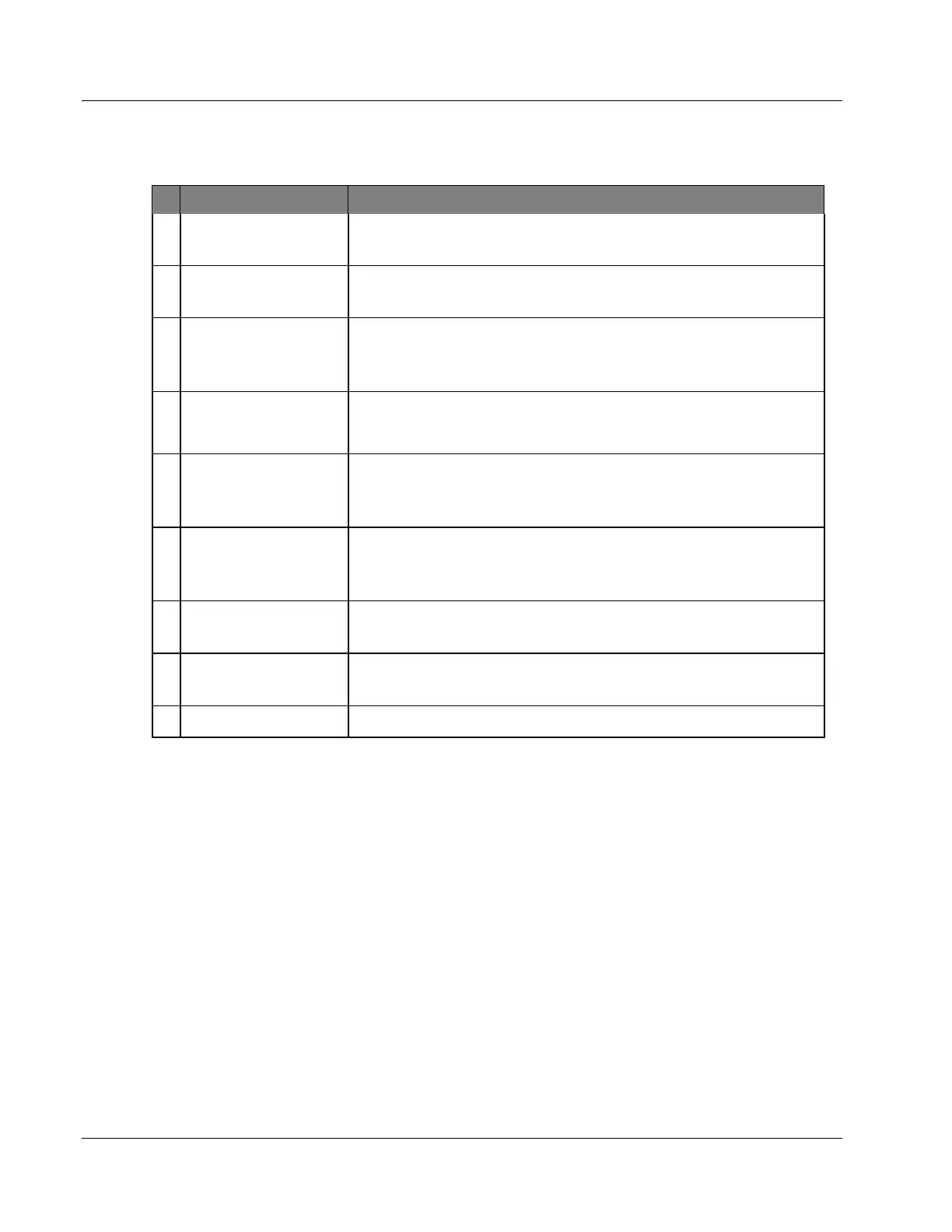
Table 1: Components of the Biopsy Guidance Module
# Name Description
1 Attachment Hooks
Two on each side hold the Biopsy Guidance Module on the
imaging system Gantry.
2 Handles
One on each side. Hold both handles to lift the Biopsy Guidance
Module.
3
Biopsy Device
Advance/Retract
Knobs
Rotate either knob to move the biopsy device along the slide rail.
4 Slide Rail
Holds the biopsy device mount and provides the track for manual
biopsy device movements.
5 Needle Guide Holder
Holds the disposable needle guide through which the biopsy
needle is inserted. (This front needle guide is removed when the
Lateral Arm is installed.)
6 Device Mount
Holds the biopsy device adapter to which the biopsy needle is
attached. Moves along the slide rail when a biopsy device
advance/retract knob is rotated.
7 Cable
Connects to the imaging system to supply power to the Biopsy
Guidance Module.
8 Lock Lever
One on each side. Engage the two levers to lock the Biopsy
Guidance Module in position and onto the C-arm.
9 Receptacle Accepts the cable from the Biopsy Control Module.












 To Next Page