Affirm Breast Biopsy Guidance System User Guide
Chapter 4: User Interface - Biopsy Control Module
MAN-06411-002 Revision 003 Page 41
4: User Interface - Biopsy Control Module
4.1 Biopsy Control Module Screens
4.1.1 Home Screen
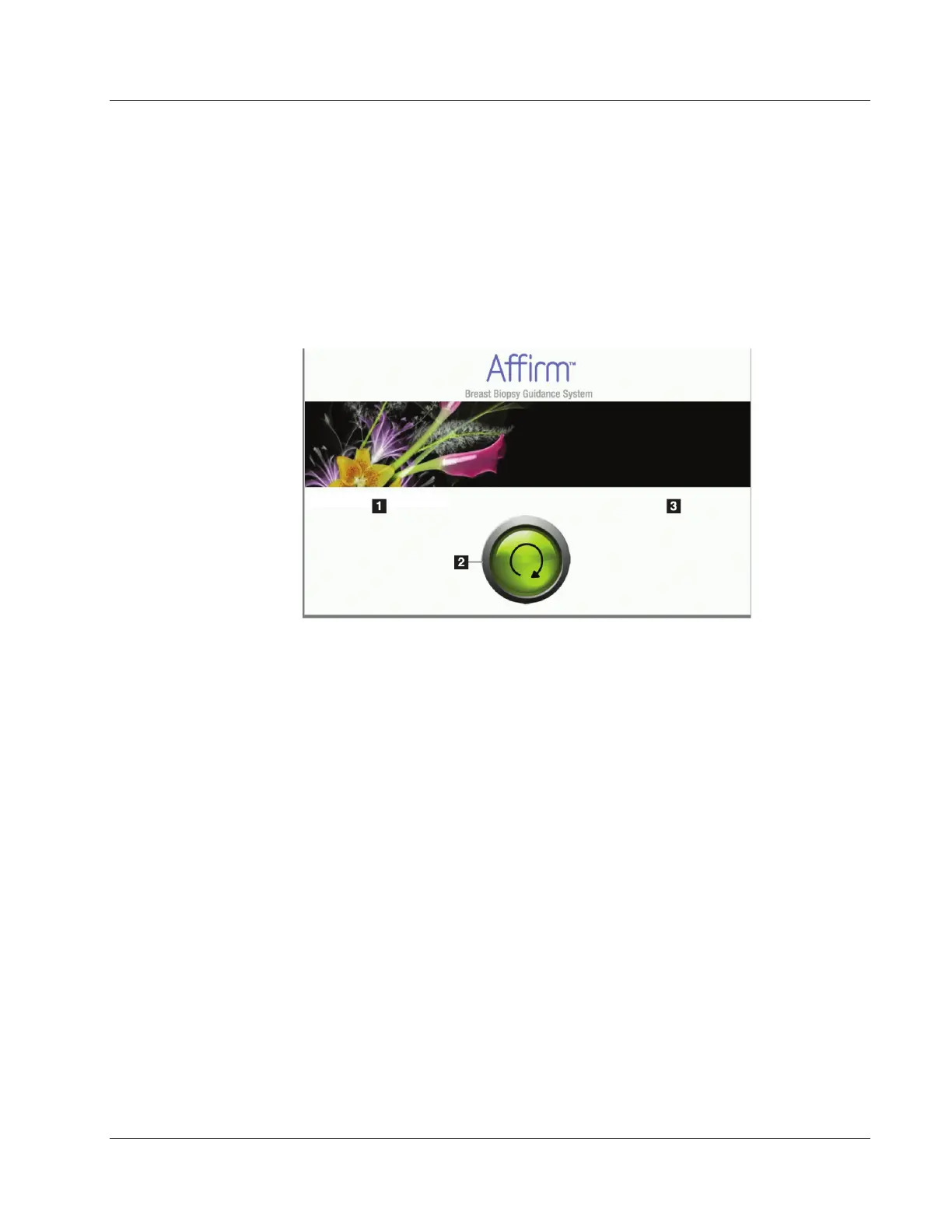
The Home screen shows the name or initials of the user who logs in and any error
messages. The Go button takes the user to the Target Guidance screen.
Figure 33: Home Screen
Figure Legend
1. User ID Area
2. Go to Target Guidance Button
3. Error Message Area












 To Next Page