Affirm Breast Biopsy Guidance System User Guide
Appendix B: System Messages and Alerts
MAN-06411-002 Revision 003 Page 91
B.3 Acquisition Workstation Messages
When the following system messages show, do the step shown in the User Action
column to clear the message.
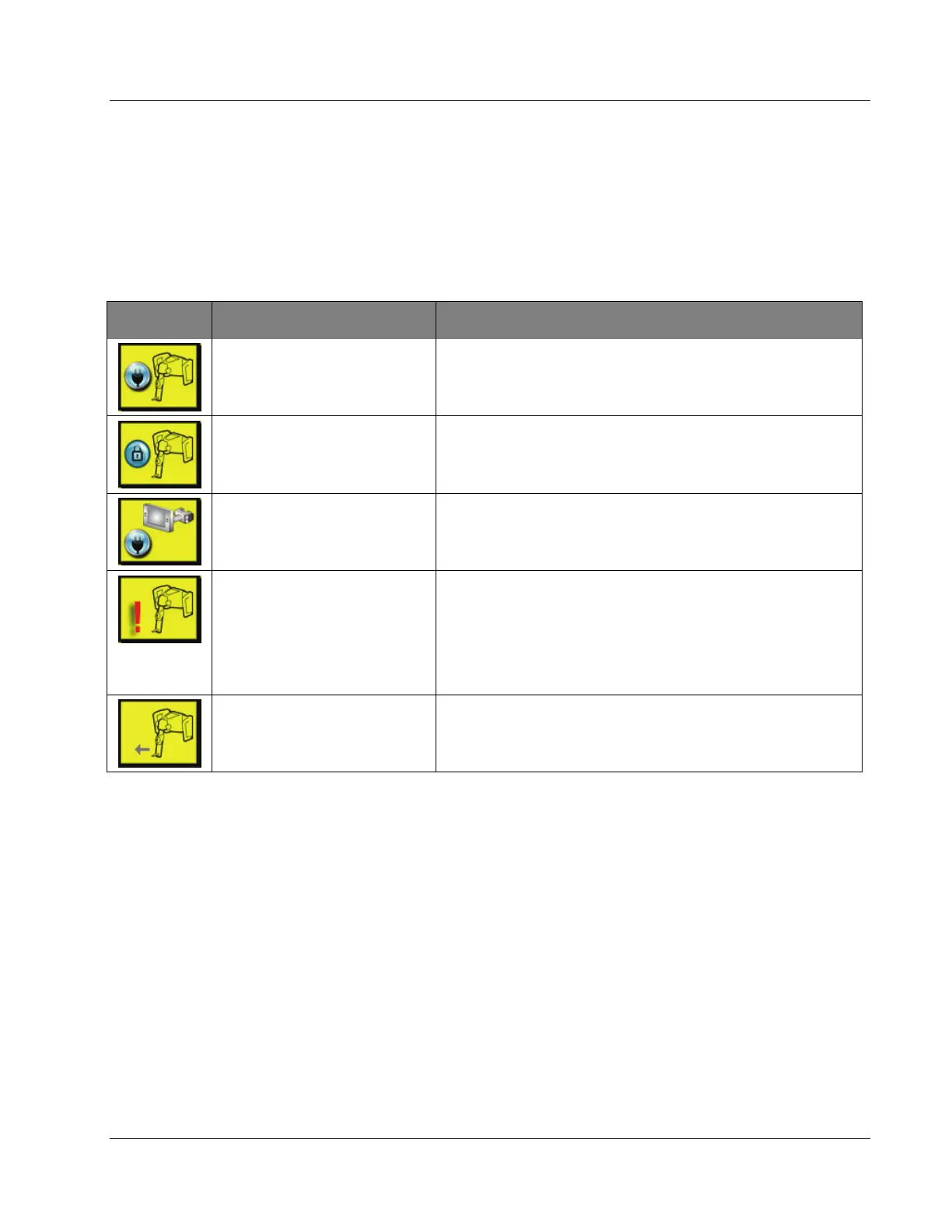
Table 13: Acquisition Workstation Messages
Icon Message User Action
Affirm cable is not connected Connect the Affirm system cable to the side of the Gantry.
Affirm is not locked Lock each side of the Affirm system.
BCM cable is not connected
Connect the Biopsy Control Module cable to the side of the
Affirm system.
View requires Affirm to be
installed
OR
View cannot be completed
with Affirm installed
Install the Affirm system to acquire this view.
OR
Remove the Affirm system to acquire this view.
The needle needs to be moved
to the correct location.
Move the needle to the correct location for Biopsy QAS.












 To Next Page