Affirm Breast Biopsy Guidance System User Guide
Chapter 4: User Interface - Biopsy Control Module
MAN-06411-002 Revision 003 Page 45
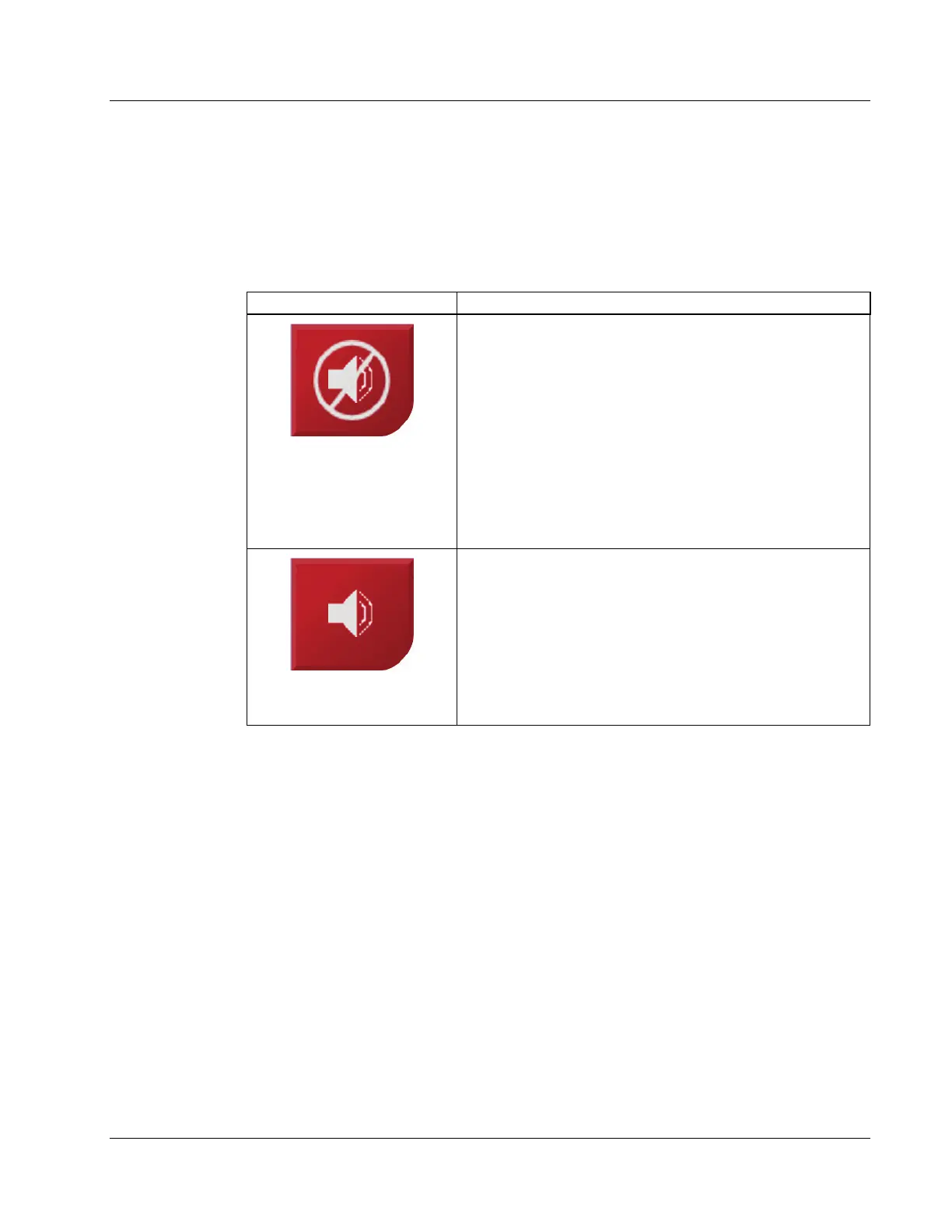
The Sound Button
The Sound button is enabled when there is a system fault. When the Sound button
displays, you can control system sounds related to alarms and motor movements of the
biopsy device.
Table 4: How to Use the Sound Button
Figure 38: Alert Sounds Are
Audible
• When a safety margin is violated, this mute icon
shows and the system repeats a beep sound.
• To stop the beep sounds, press the Sound button. All
system beep sounds are muted, and the icon on the
button changes.
• When you correct the safety margin violation, the icon
on the button disappears.
• If you press the button and do not correct the system
fault within two minutes, the system beep sounds are
enabled automatically.
Figure 39: Alert Sounds Are
Muted
• When this icon appears on the Sound button, you
have the option to enable the system beep sounds.
• To enable the system beep sounds, press this button.
• If you do not press this button, system beep sounds
are enabled automatically within two minutes after
this icon displays.












 To Next Page