Affirm Breast Biopsy Guidance System User Guide
Chapter 5: Biopsy
MAN-06411-002 Revision 003 Page 57
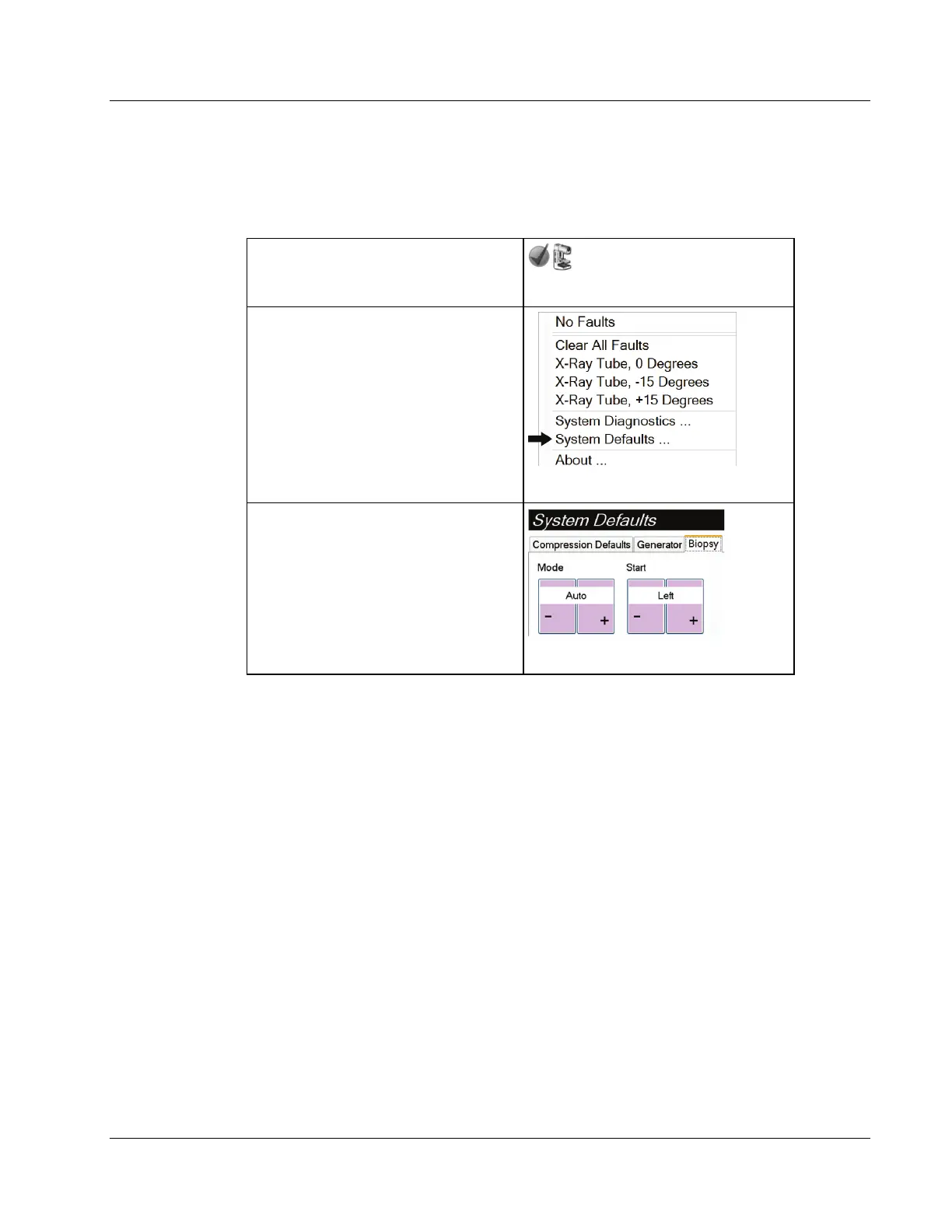
5.2.2 How to Select the C-Arm Stereo Mode for Image Acquisition
How to Select the C-Arm Stereo Mode
1. Select the System Status icon.
Figure 49: System Status Icon
2. Select System Defaults from the
System Status menu.
Figure 50: System Status Menu
3. Select the Biopsy tab in the System
Defaults screen.
4. Select Auto or Manual from the
Mode section.
Figure 51: System Defaults Screen
...












 To Next Page