Affirm Breast Biopsy Guidance System User Guide
Chapter 3: Installation, Verification, and Removal
MAN-06411-002 Revision 003 Page 25
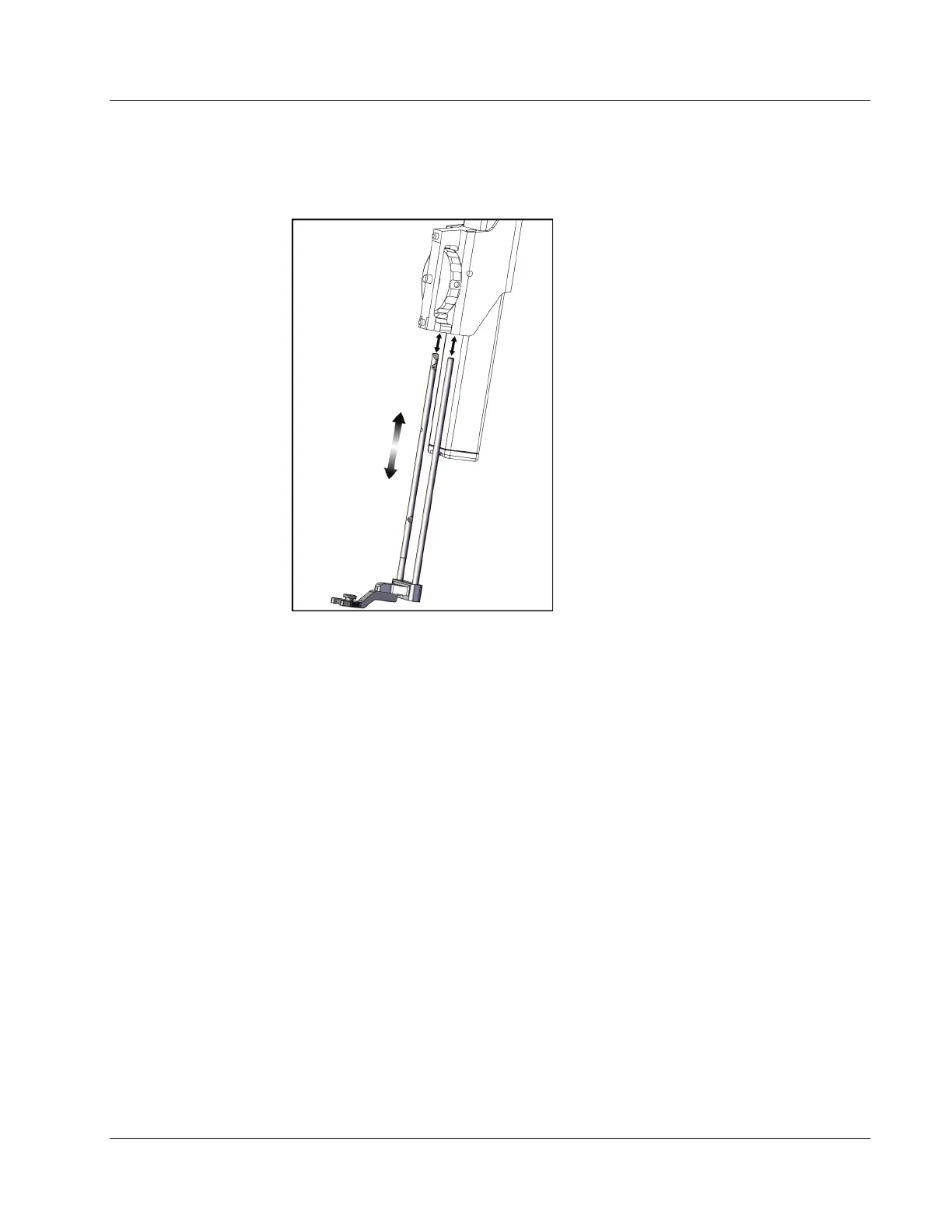
4. On the Affirm system, remove the needle guide holder used on the standard device
mount.
Figure 17: Removing the Needle Guide
Holder from the Standard Device Mount
5. Determine the direction of approach of the biopsy device (left or right side of the
Biopsy Guidance Module). Make sure that the Biopsy Control Module is attached to
the correct side of the Biopsy Guidance Module for the desired needle approach.












 To Next Page