Affirm Breast Biopsy Guidance System User Guide
Chapter 5: Biopsy
Page 58 MAN-06411-002 Revision 003
5.3 Biopsy Tab
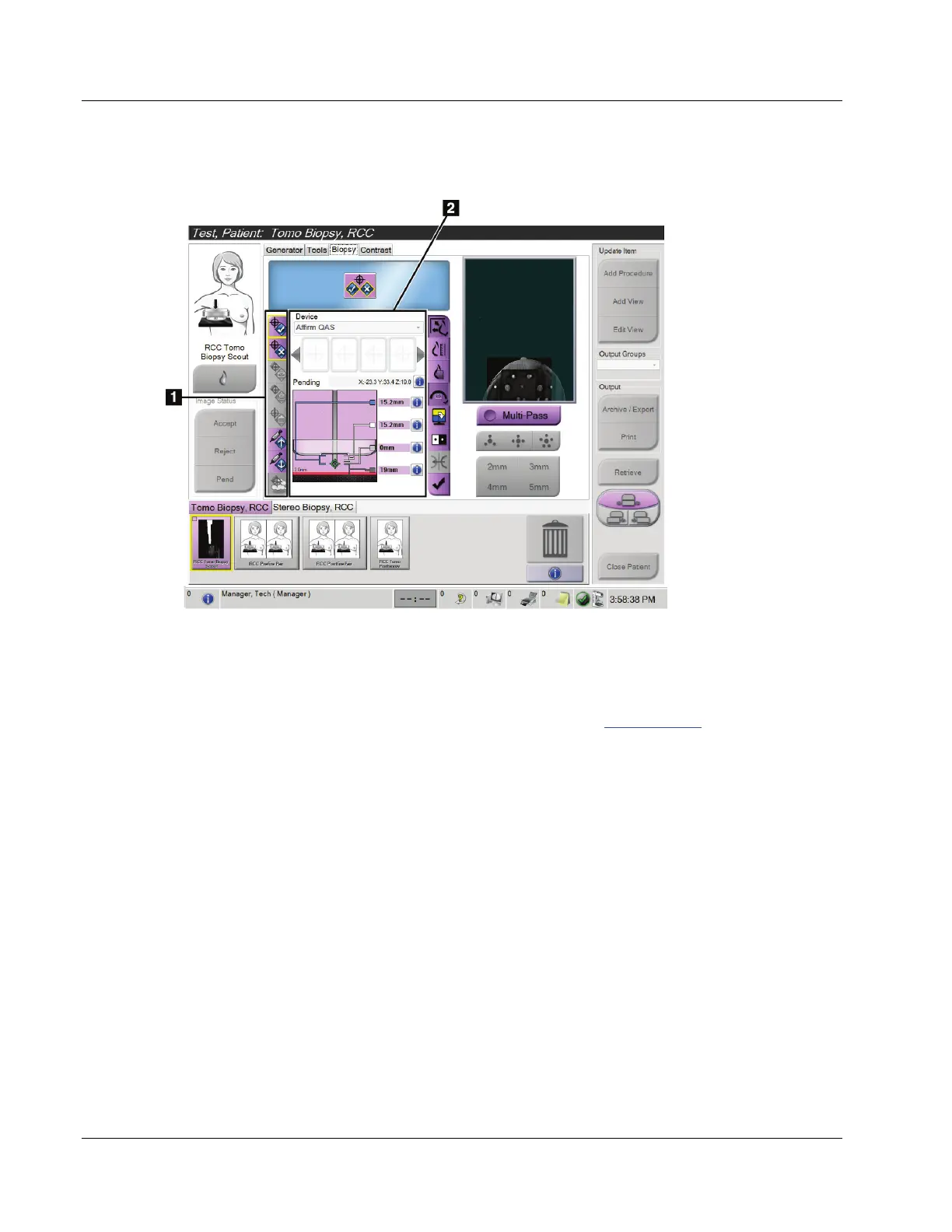
Figure 52: The Biopsy Tab
Figure Legend
1. Target Function
Buttons
2. Biopsy Options Area
When you select the Biopsy tab in the Procedure screen, the Biopsy Options appear. The
Biopsy Options area of the screen shows information about the targets and the biopsy
device installed on the system. The buttons on the left side of this area let you send
selected targets to the Biopsy Control Module. Refer to Biopsy Options on page 57 for
information about the button functions and data fields on the Biopsy tab.












 To Next Page