Affirm Breast Biopsy Guidance System User Guide
Chapter 4: User Interface - Biopsy Control Module
MAN-06411-002 Revision 003 Page 47
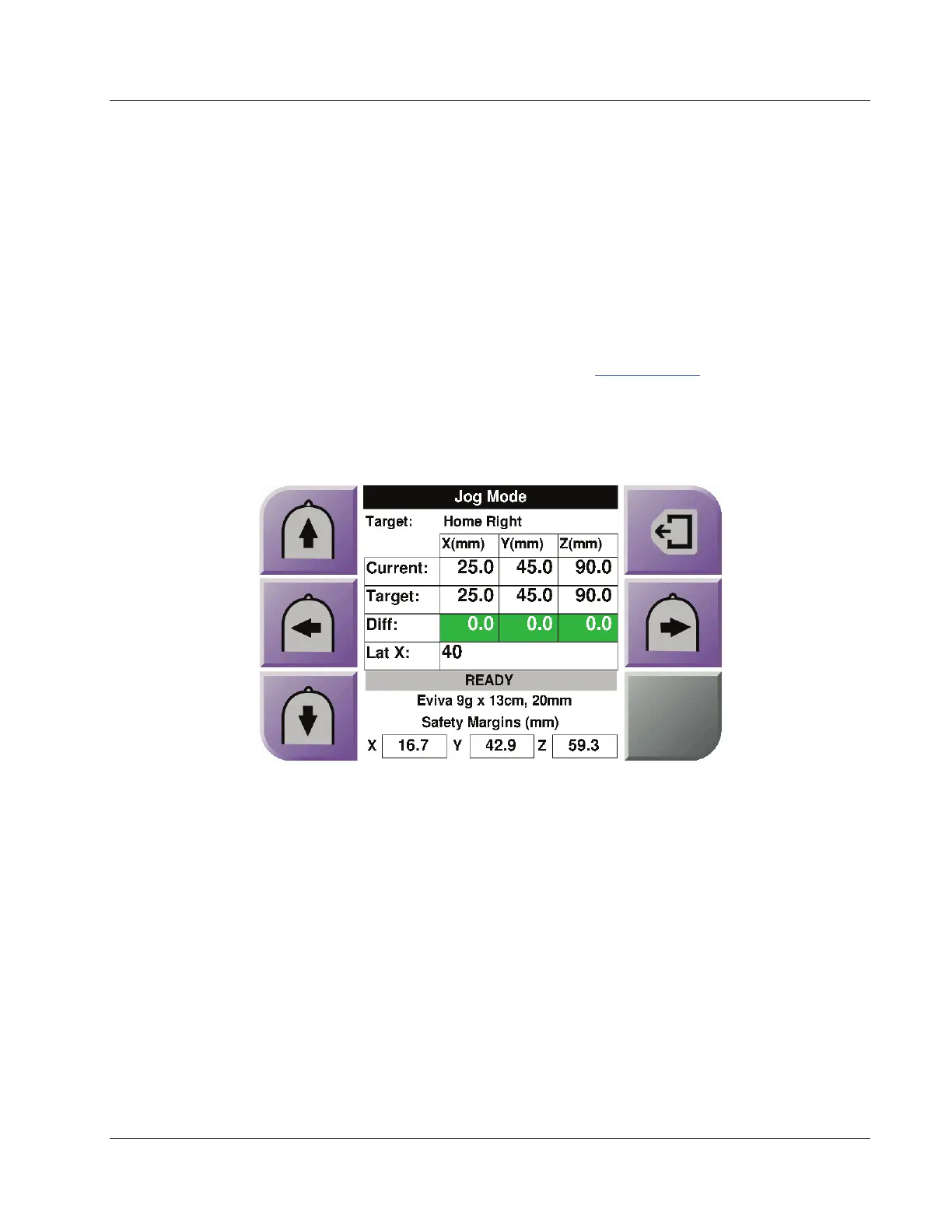
Figure 41: Jog Mode Screen for Lateral Arm
When the Lateral Arm is installed, the Jog Mode screen includes a field for the Lat X
value.
Figure Legend
1. Change Y-axis Jog value in negative direction
2. Change X-axis Jog value in negative direction
3. Change Y-axis Jog value in positive direction
4. Target Information
5. Go to the previous screen
6. Change X-axis Jog value in positive direction
7. Mute or Enable Sound (An icon displays on this button and an
alarm sounds when there is a problem. Refer to The Sound Button
on page 45 for more information about the Sound button.)
8. Selected Biopsy Device
9. Safety Margins
10. System Status












 To Next Page