Affirm Breast Biopsy Guidance System User Guide
Chapter 3: Installation, Verification, and Removal
MAN-06411-002 Revision 003 Page 27
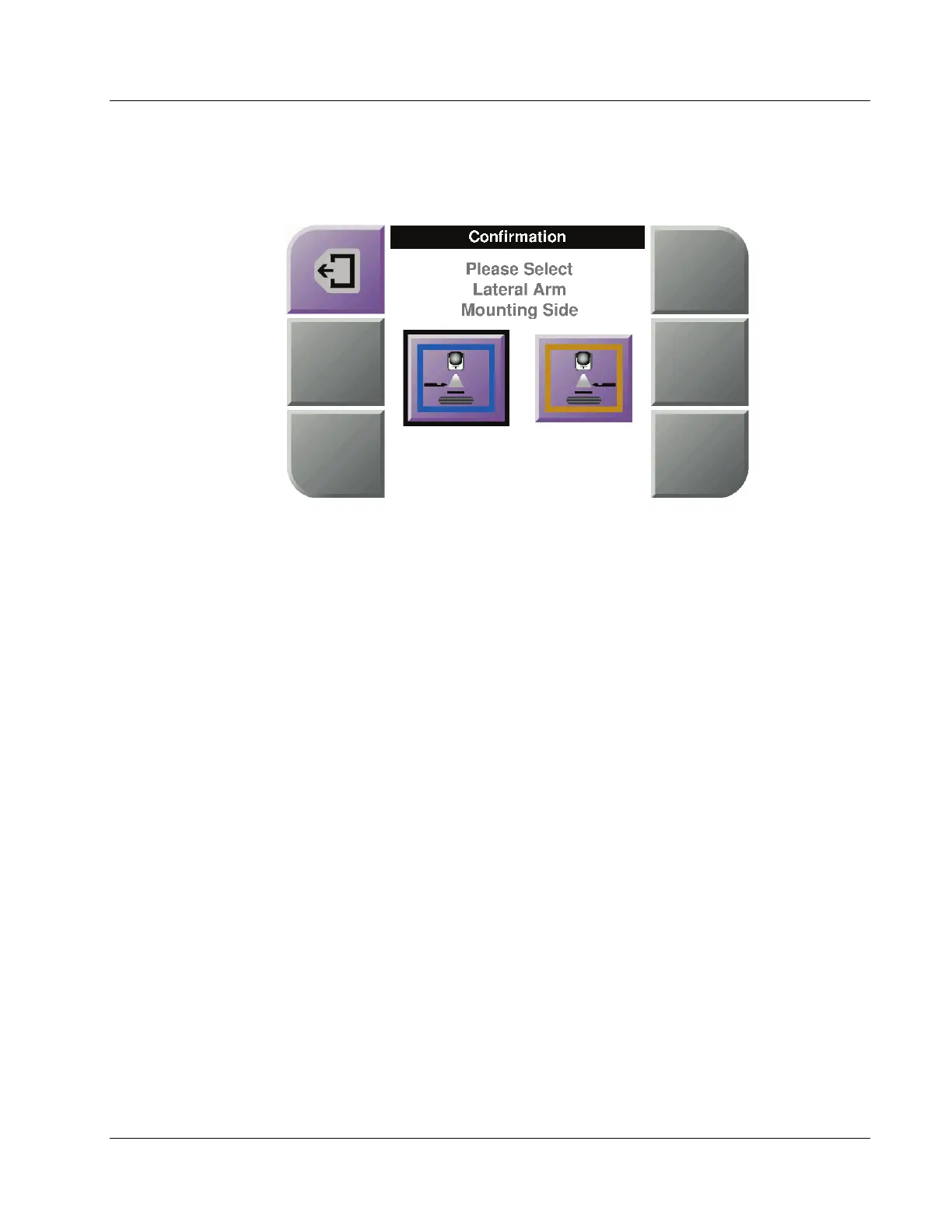
7. On the Biopsy Control Module, select the correct Lateral Arm Mounting Side button
for the side the Lateral Arm is mounted on.
Figure 19: Selection Screen for the Lateral Arm Mounting Side
8. On the Biopsy Control Module, select OK to confirm that the Lateral Arm Stand is
installed.
Removal of the Lateral Arm
1. On the standard device mount, turn the device mount knob to loosen the device
mount screw.
2. Pull the Lateral Arm away from the Biopsy Guidance Module.
3. Remove the Lateral Arm Paddle.
4. Remove the Lateral Arm Stand.












 To Next Page