Affirm Breast Biopsy Guidance System User Guide
Chapter 6: Quality Control
Page 72 MAN-06411-002 Revision 003
6.2.1 QAS Test for Standard Needle Approach
Caution:
If you use a QAS Needle Phantom, do not extend the needle unless it is attached to
the Biopsy Guidance Module and the module is installed on the C-arm.
1. Make sure the Affirm system is installed correctly and all paddles are removed.
2. On the Acquisition Workstation, from the Select Patient screen, select the Admin
button.
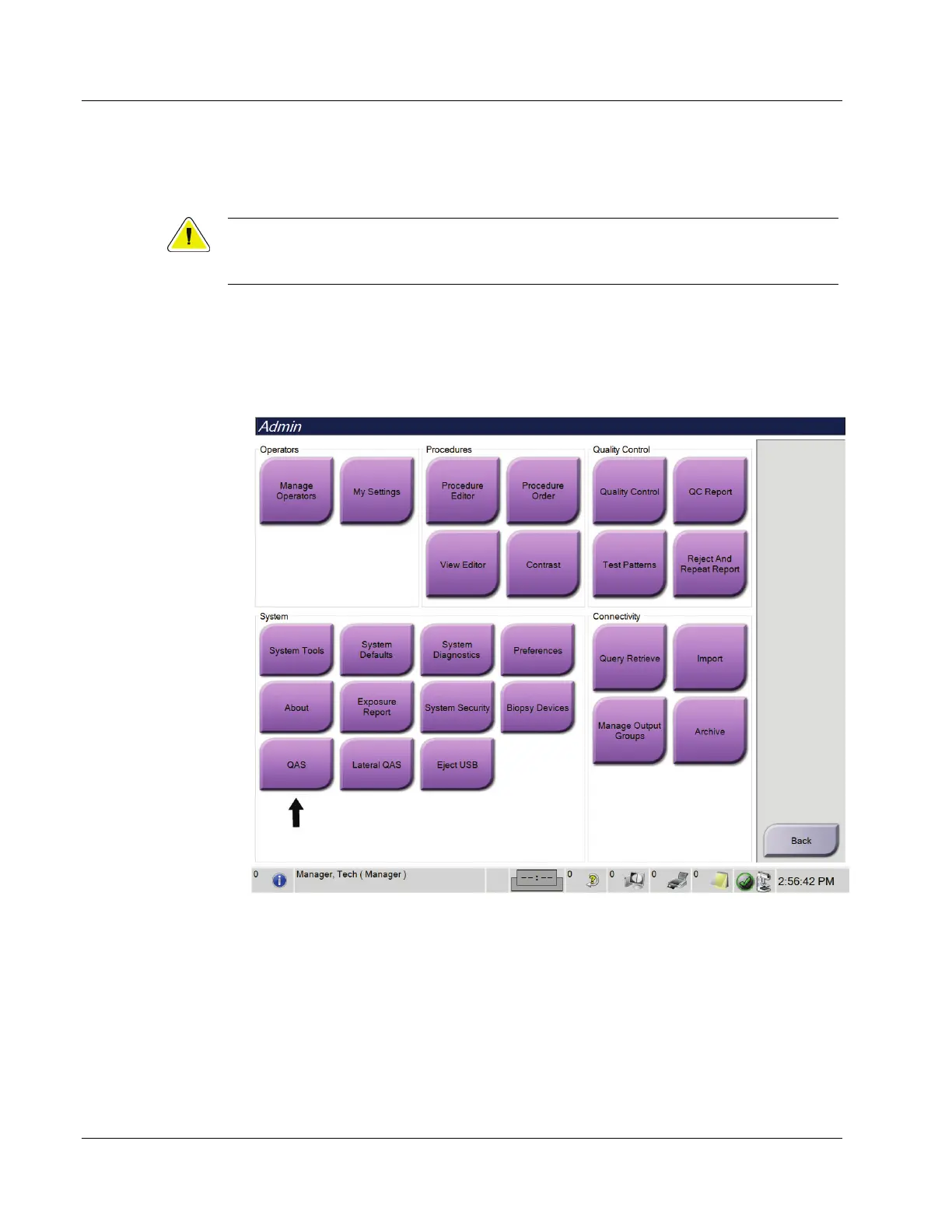
3. On the Admin screen, select the QAS button.
Figure 68: QAS Button on the Admin Screen












 To Next Page