Affirm Breast Biopsy Guidance System User Guide
Chapter 5: Biopsy
Page 56 MAN-06411-002 Revision 003
In Manual C-Arm Stereo Mode
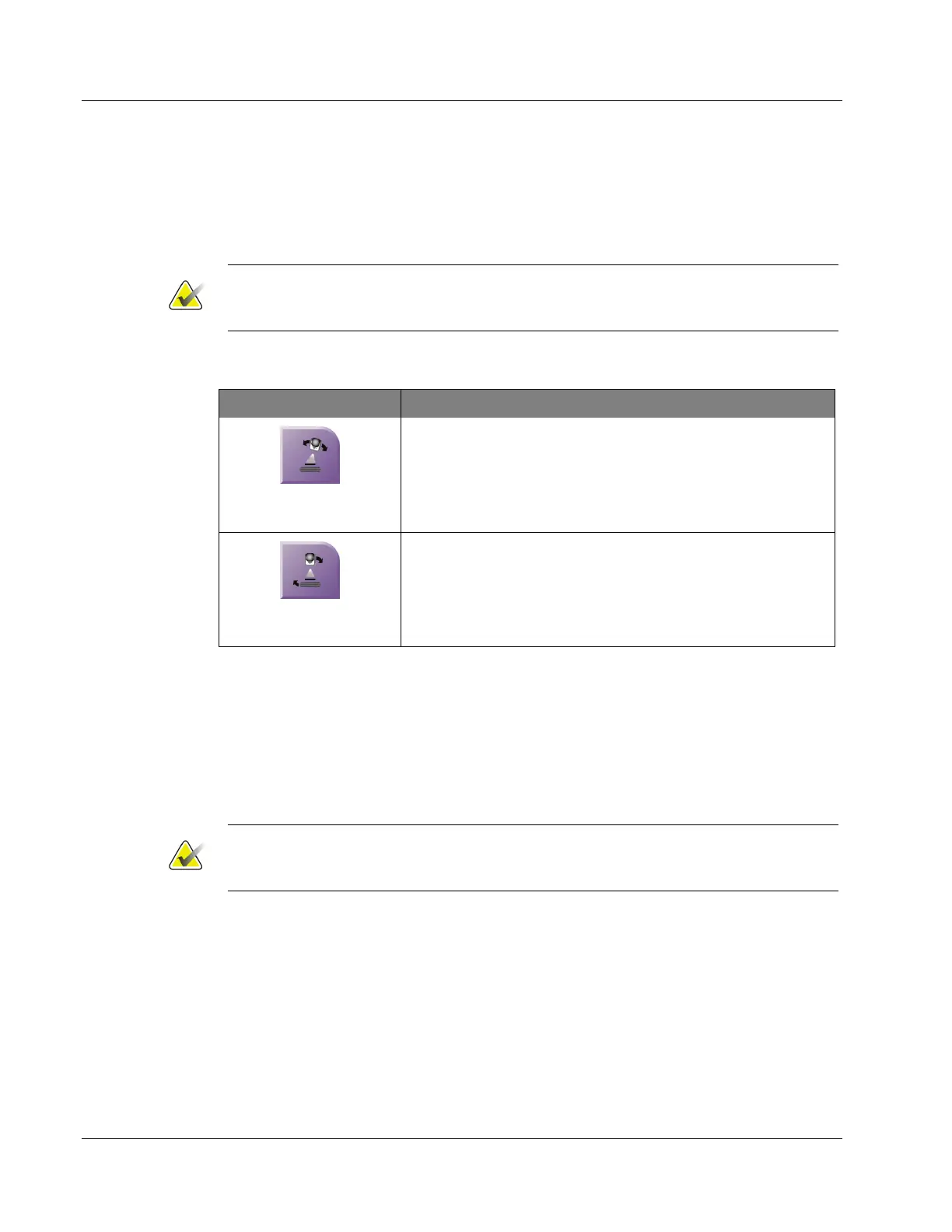
In Manual C-arm Stereo Mode, the C-arm Stereo Mode button shows on the Target
Guidance screen. The default is Stereo Mode. Refer to the table that follows for a
description of the button function.
Note
The C-arm Stereo Mode button shows when the system is set for Manual C-arm Stereo
Mode. In Auto C-arm Stereo Mode, this button does not show.
Table 5: The C-arm Stereo Mode Button
Icon Description of Function
Figure 47: Stereo Mode
• The Tube Arm rotates while the C-arm remains in
position.
• Select Stereo Mode to acquire stereo images (when the
system is set for Manual C-arm Stereo Mode).
Figure 48: C-arm Mode
• The C-arm and Tube Arm rotate together.
• Select C-arm Mode to rotate the C-arm and Tube Arm
together to a new patient positioning angle.
1. After you set the patient positioning angle (with the C-arm Mode engaged), press the
C-arm Stereo Mode button on the Target Guidance screen to put the C-arm into Stereo
Mode.
2. Rotate the Tube Arm to the first 15° angle.
3. Press the X-ray button and acquire the first 15° image.
4. Rotate the Tube Arm to the opposite 15° angle.
5. Press the X-ray button and acquire the opposite 15° image.
Note
Keep the X-ray button pressed until the exposure stops. An audible beep indicates that
image acquisition has finished.












 To Next Page