Affirm Breast Biopsy Guidance System User Guide
Chapter 4: User Interface - Biopsy Control Module
MAN-06411-002 Revision 003 Page 49
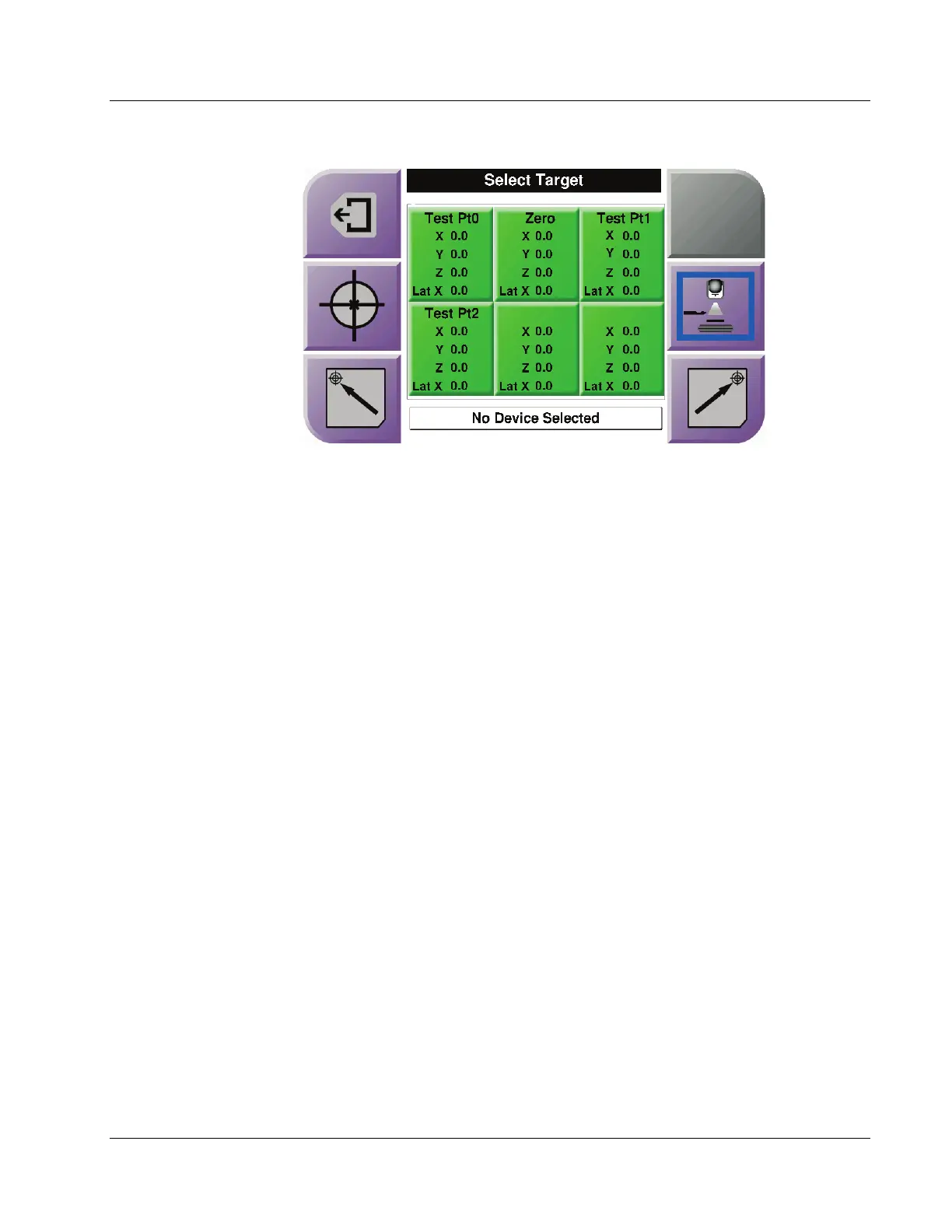
Figure 43: Select Target Screen for Lateral Arm
When the Lateral Arm is installed, the target coordinate icons on the Select Target screen
include a line for the Lat X value.
The Lateral Arm Mounting Side button on the right side of the screen shows the side of
the needle approach for the biopsy. Press the Lateral Arm Mounting Side button to
return to the Confirmation screen for the Lateral Arm Mounting Side.












 To Next Page