Affirm Breast Biopsy Guidance System User Guide
Chapter 5: Biopsy
MAN-06411-002 Revision 003 Page 53
Add a Stereo Biopsy Half-Pair View
You can add a view to acquire a single -15° or +15° Stereotactic 2D biopsy image. This
view allows you to create a target using the Stereotactic Scout and the single Stereotactic
2D view.
1. In the Procedure screen, select the Add View button to display the Add View screen.
2. Select the Biopsy tab.
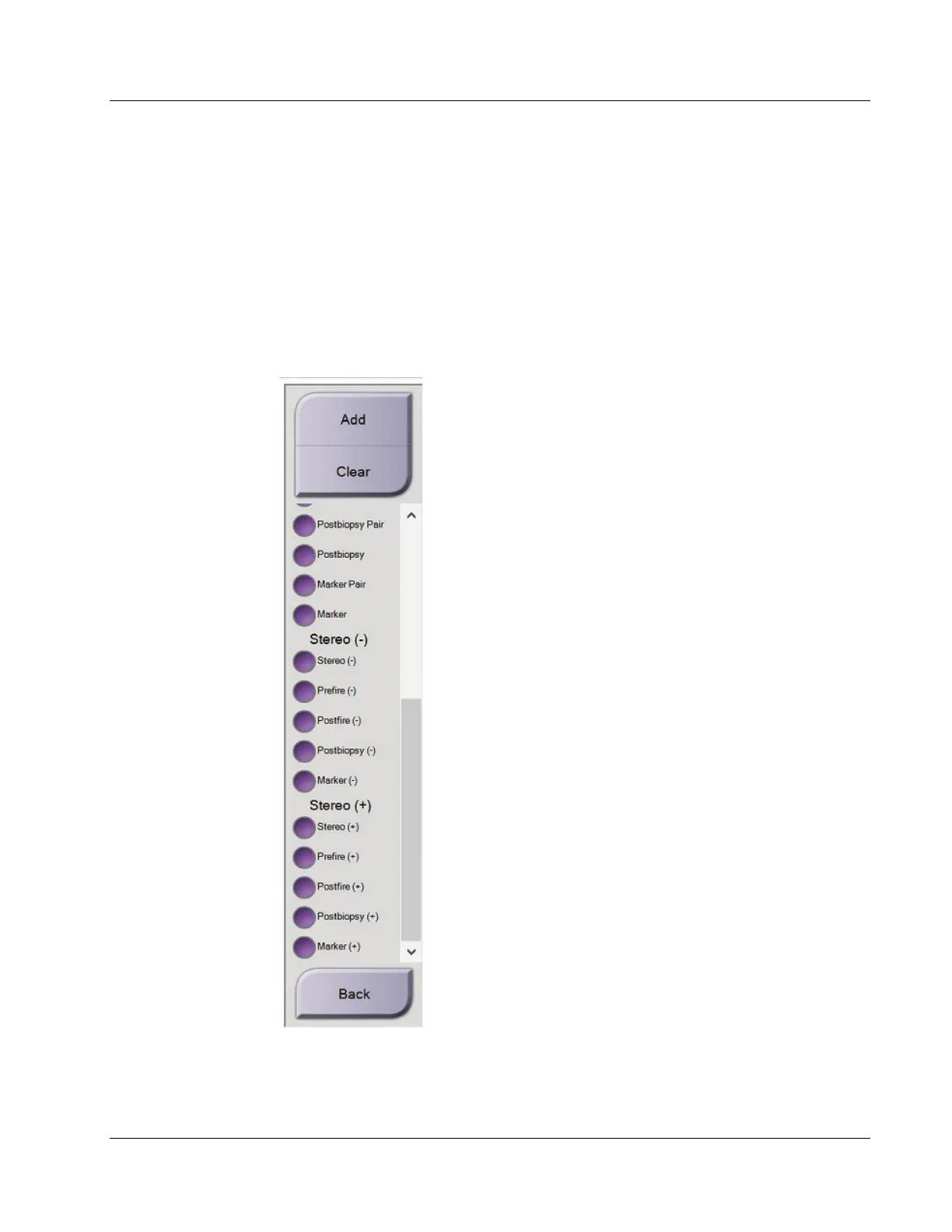
3. Select the Stereotactic 2D view, then select the Stereo (-) or the Stereo (+) view
modifier from the right panel of the screen.
Figure 45: Stereo (-) and Stereo (+) View Modifiers
4. Select the Add button. A thumbnail image for the view that you select appears on the
bottom of the screen.












 To Next Page