USER INTERFACE
6.4
ThinPrep™ 5000 Processor with AutoLoader Operator’s Manual
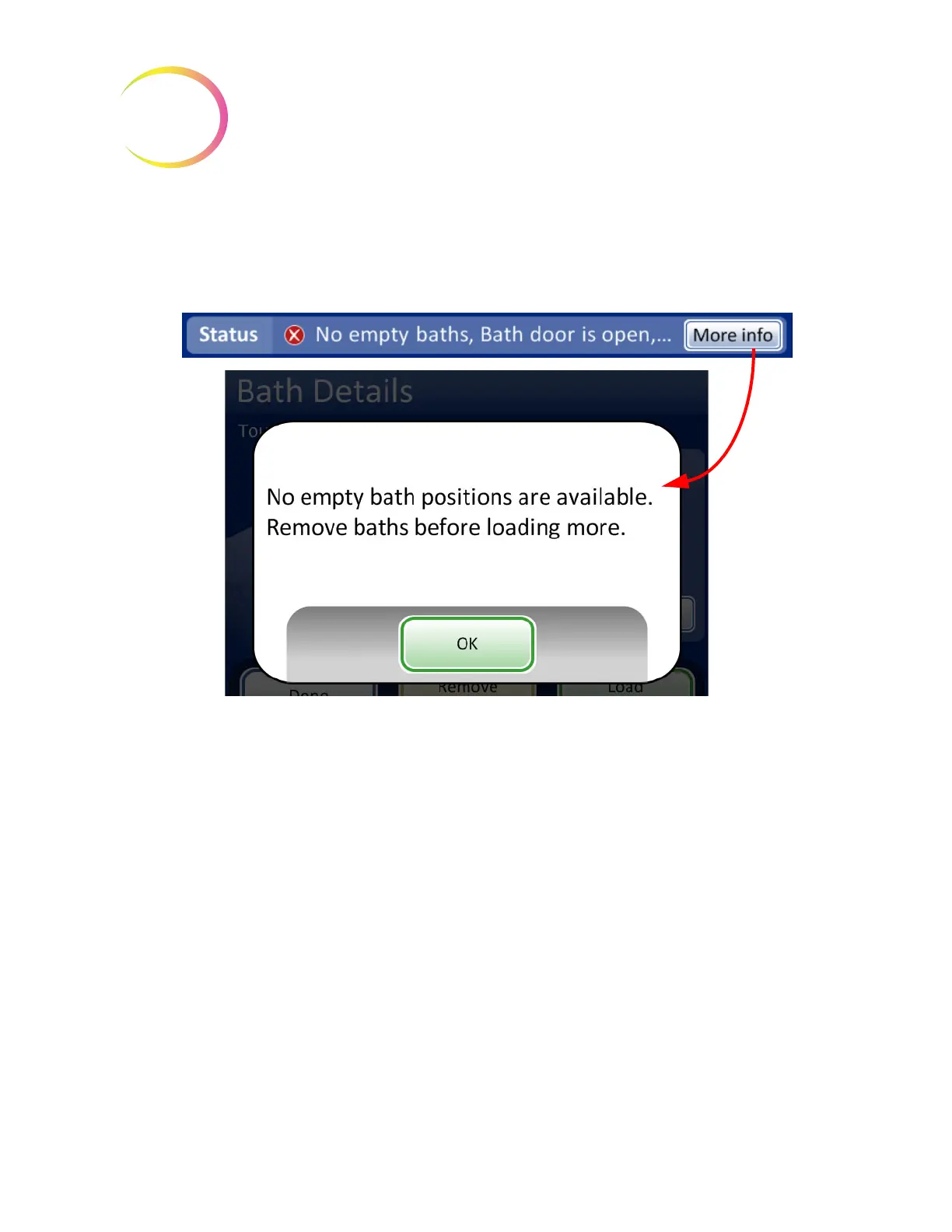
More Info
button is on the status bar. Pressing that will display a message window which lists all
items to be seen to. If the
Start
batch button is pressed, the same message window will appear. A
batch will not start with unresolved issues.
Figure 6-3 System Status Not Ready
Note:
Some screen displays also say, “Tap for more information.” Tap that message on the screen to
see a message window which provides more information.



 To Next Page