INTRODUCTION
1.8
ThinPrep™ 5000 Processor with AutoLoader Operator’s Manual
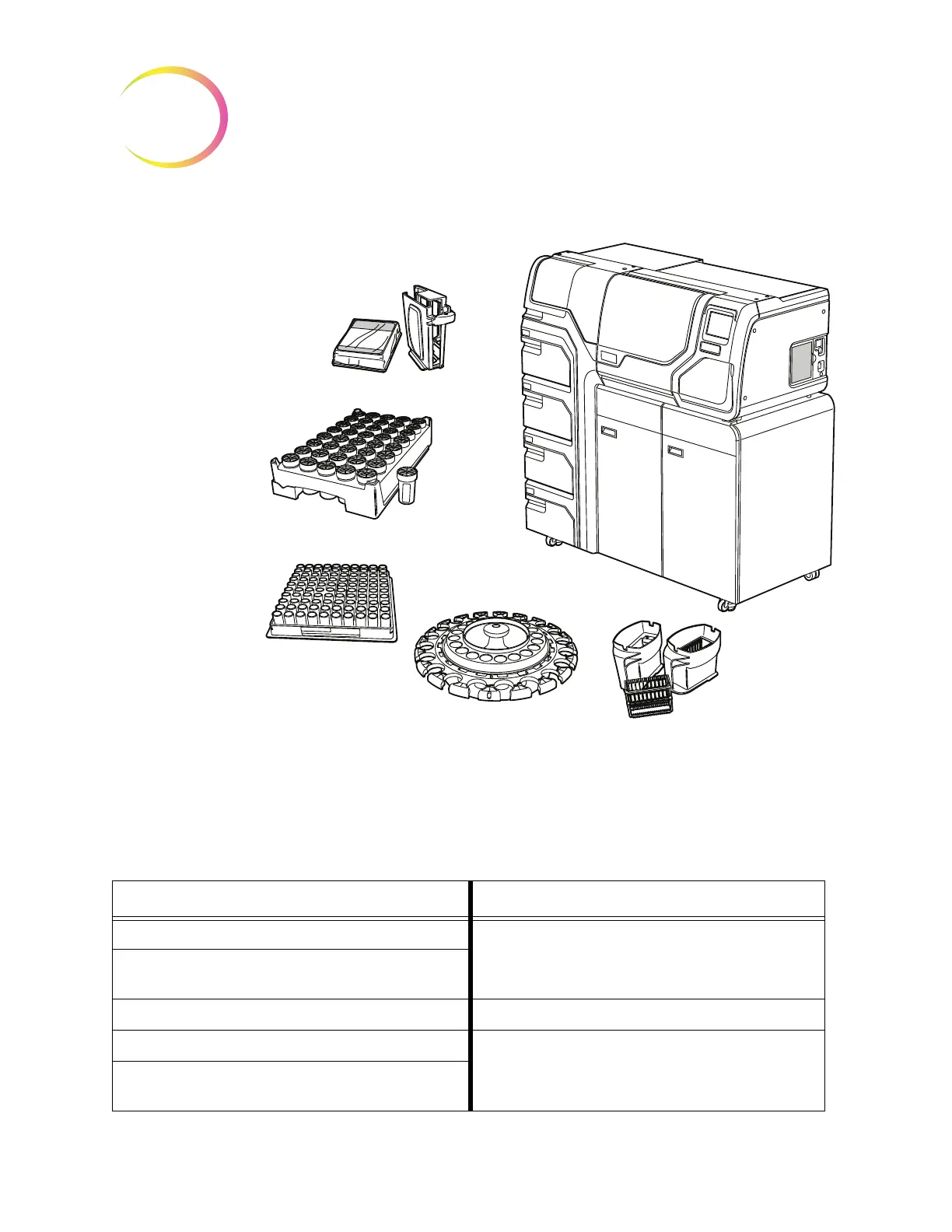
Figure 1-3 ThinPrep 5000 Processor with AutoLoader Components
Overview of Processing
For routine batch processing, the system proceeds in this fashion once the batch is started:
AutoLoader Mode Small Batch Mode
Checks that the carousel is empty (Operator manually loads vials, filters and slides into the car-
ousel and loads the carousel into the processor)
Pick up the first vial, place it in the carousel and read the vial
ID
Pick a filter and put it in the carousel Check the vial and slide IDs
Checks for slides in cassettes Pick up a vial and filter
Start laser fume extractor. Pick a slide and etch it with ID from
the vial ID (and any other information)
ThinPrep
™
5000 Processor with AutoLoader
Glass microscope slides and
slide cassette
Sample vial trays and
sample in PreservCyt
™
Solution vials
ThinPrep
™
filters
Input carousel
Fixative baths with
staining racks



 To Next Page