ThinPrep™ 5000 Processor with AutoLoader Operator’s Manual
7.15
OPERATING INSTRUCTIONS
INITIATE A BATCH
When the consumable items have been placed in the instrument and any status bar warnings have
been resolved, close all doors and press the
Start
button (Figure 7-12).
Figure 7-12 Start Batch Button
The doors will be heard to lock. The processor checks for the presence of vials, filters and slides.
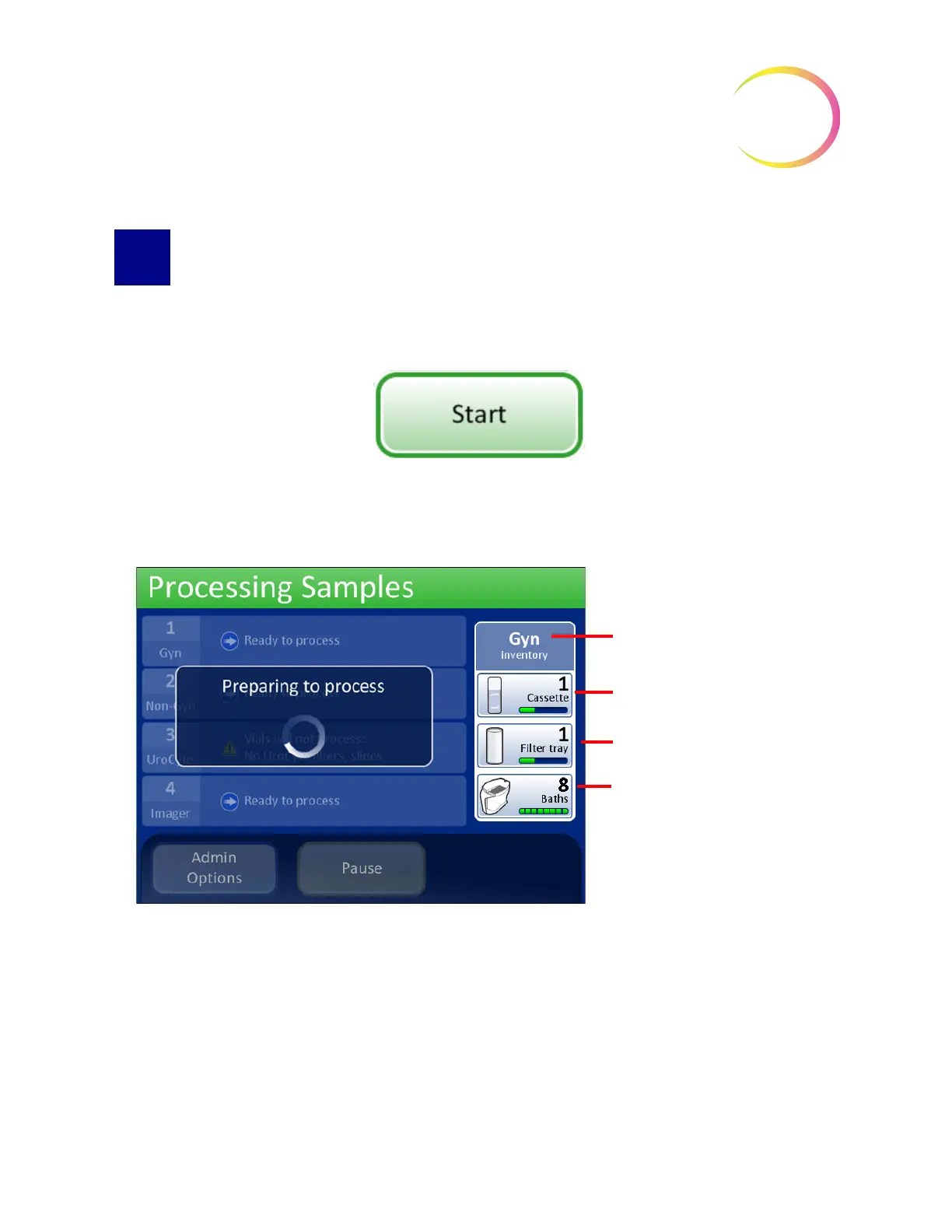
The batch preparing to process screen displays. See Figure 7-13.
Figure 7-13 Starting the Batch Screen
The batch begins processing samples. See Figure 7-14.
Current tray being processed is
a Gyn tray. The instrument
detects:
1 cassette designated Gyn
slides
1 filter tray designated Gyn filters
A total of 8 baths ready to accept
processed slides



 To Next Page