INSTALLATION
2.6
ThinPrep™ 5000 Processor with AutoLoader Operator’s Manual
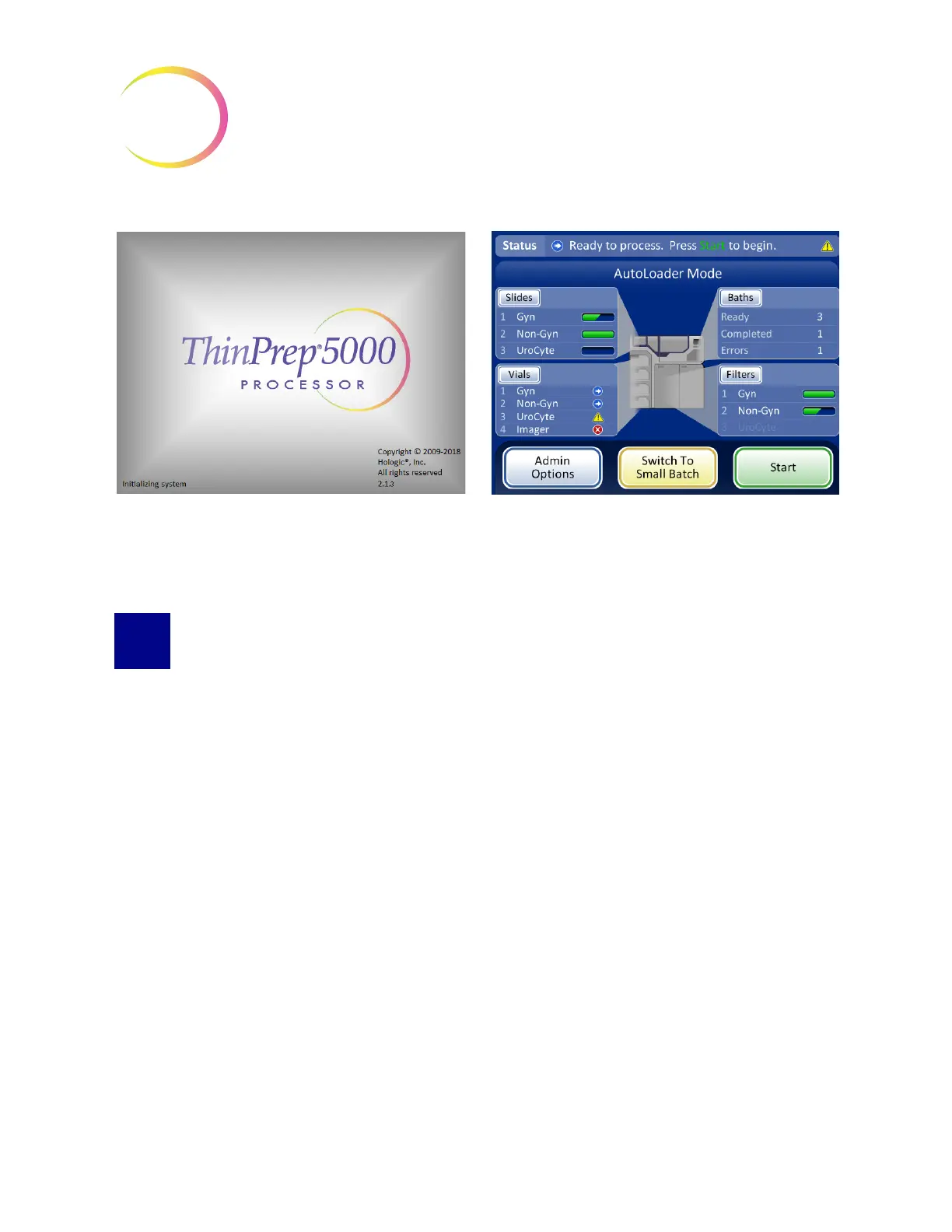
Figure 2-5 Startup Screens
SET USER PREFERENCES
The following preferences may be set via the touch screen interface. These settings may be reset at
any time and any settings will persist even if the instrument is powered off and powered on again.
• Set Time And Date - page 6.25.
• Set Lab Name - page 6.27
• Set Instrument Name - page 6.28
• Set Language - page 6.32
• Set Audible Sound - page 6.29
• Printer - page 6.33
Startup screen
Main screen



 To Next Page