USER INTERFACE
6.26
ThinPrep™ 5000 Processor with AutoLoader Operator’s Manual
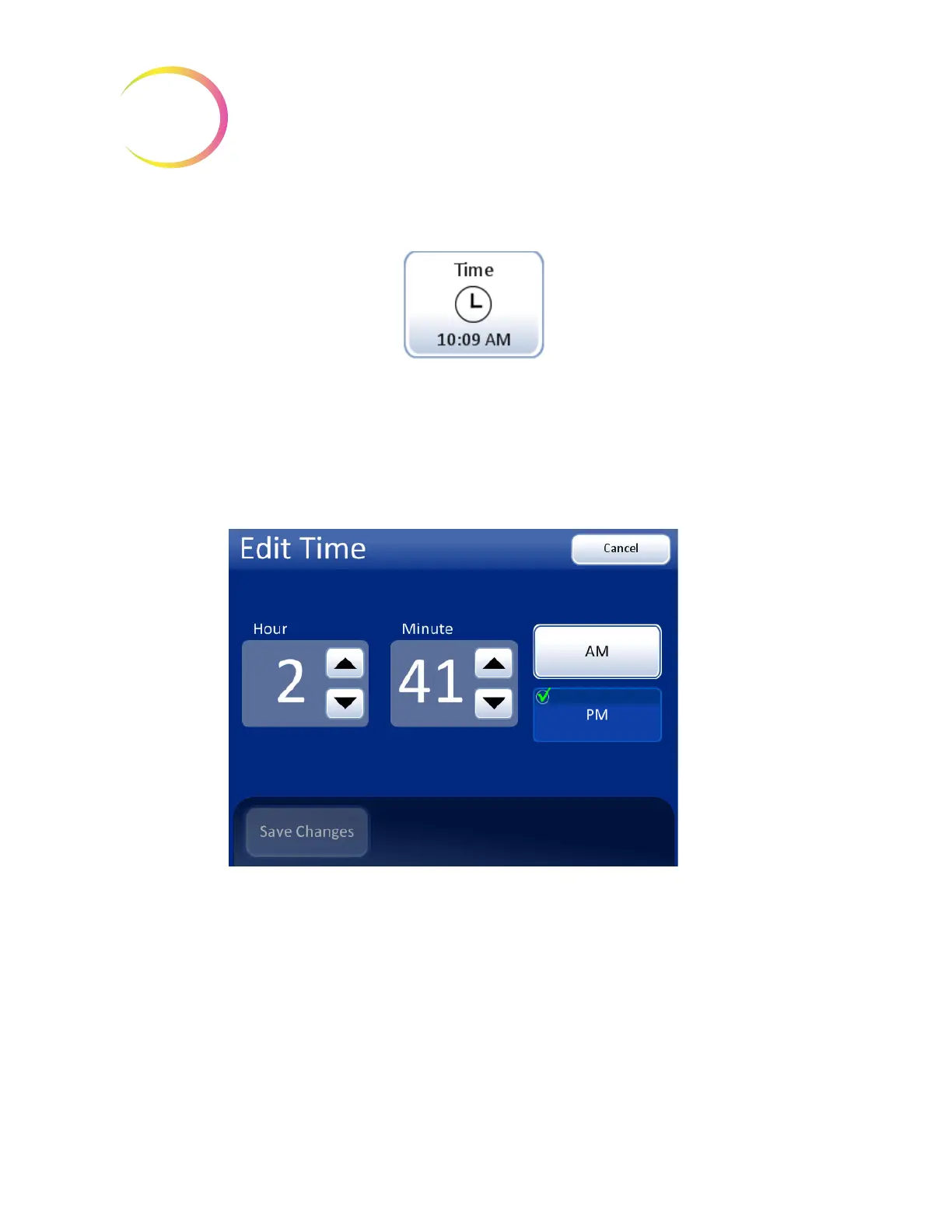
Set Time
Figure 6-29 Set Time Button
To change the time (hour, minute, meridian), touch the up/down button for that field until the
desired value is displayed. For the meridian, press the
AM
or
PM
button, as appropriate. Press the
Save Changes
button to save and return to the Systems Setting screen. See Figure 6-30.
Note:
Depending on which language has been selected, the clock on the display may change from
12 hour to 24 hour, to reflect customary usage.
Figure 6-30 Edit Time Screen
Time
button shows
current setting



 To Next Page