ThinPrep™ 5000 Processor with AutoLoader Operator’s Manual
6.5
USER INTERFACE
Status Indicators
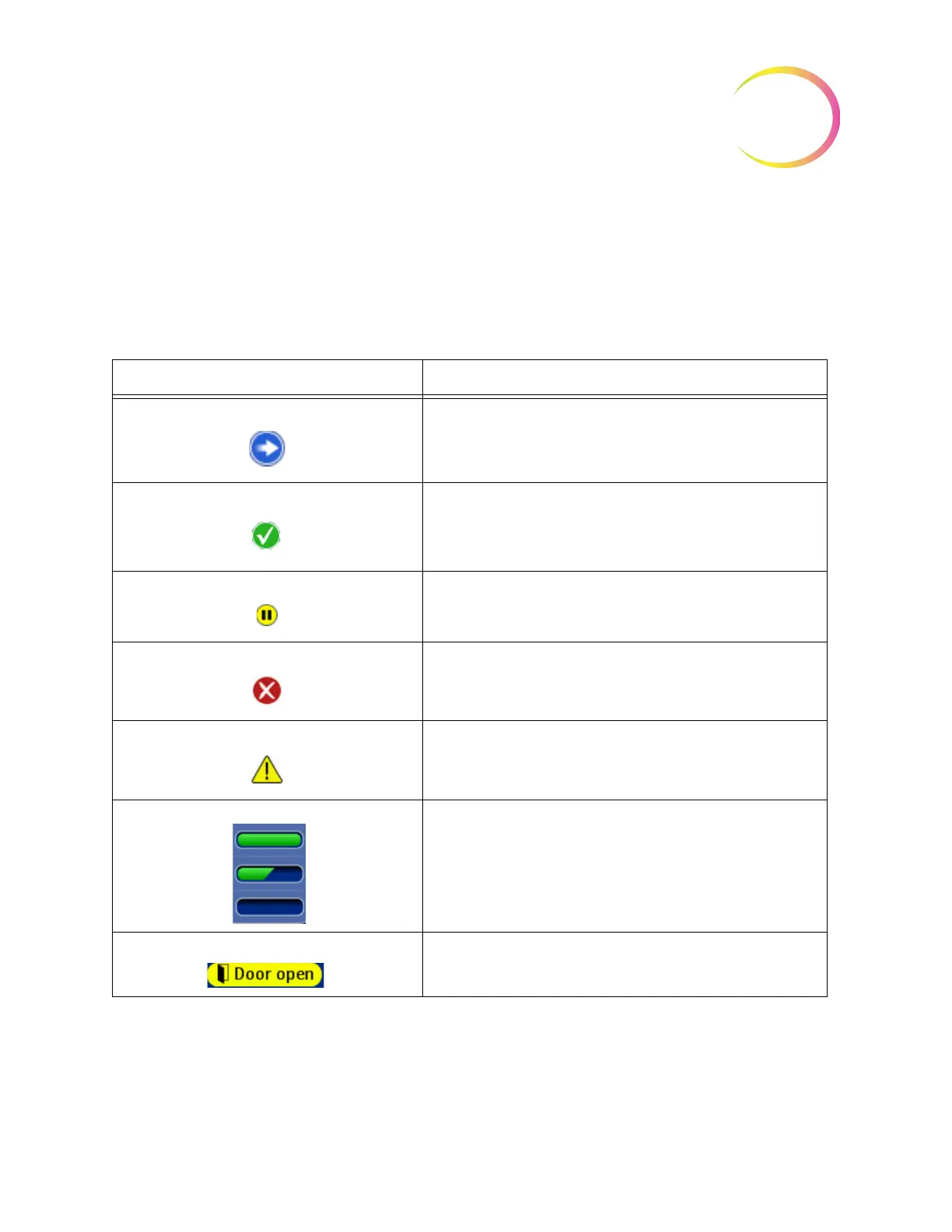
The status indicators aid in identifying whether the system is ready or not to process a batch. A
table of the status indicators is shown below.
Table 6.1: Main Screen Status Indicators
Status Icon Meaning
Ready for processing
Completed
The batch has been paused
Not ready or error. Read the message in the status bar to know what
issue needs to be resolved
Warning that the vial tray cannot be processed - usually due to missing
or low supply of slides or filters for that sample type, or not enough
baths to complete a tray
Indicates full, partial or empty status of slide cassettes or filter trays
User action prompt message



 To Next Page