MAINTENANCE
8.16
ThinPrep™ 5000 Processor with AutoLoader Operator’s Manual
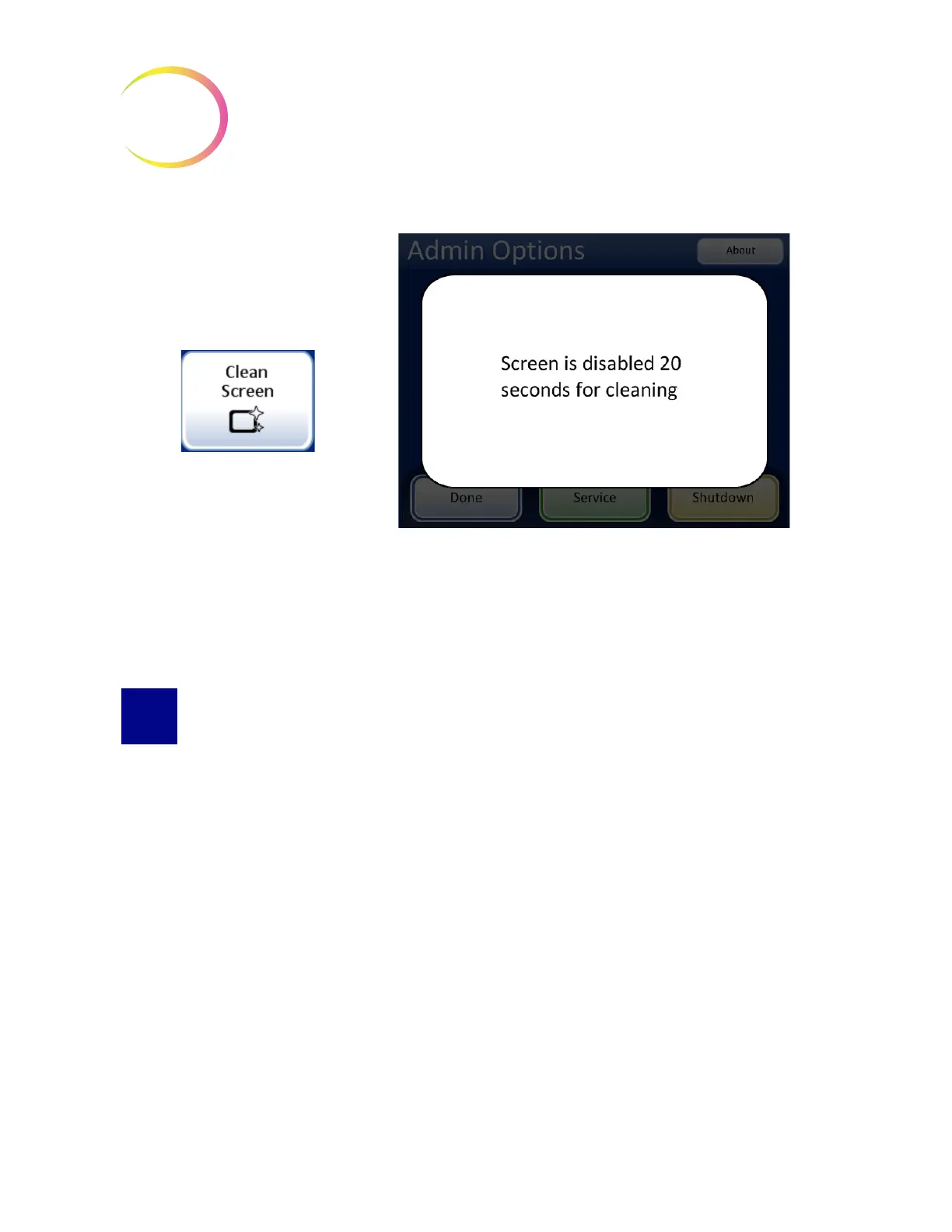
Figure 8-17 Touch Screen Disabled for Cleaning
The system disables the touch screen for 20 seconds so that the screen may be cleaned without
inadvertently activating buttons or having to power off the instrument.
CLEAN INPUT CAROUSEL AND DUST COVER
Input Carousel
As needed, clean the input carousel by wiping it down with soap and water. Allow it to dry
thoroughly before using it.
Dust Cover
Wipe down the carousel dust cover with a clean cloth and soap and water.



 To Next Page