ThinPrep™ 5000 Processor with AutoLoader Operator’s Manual
2.7
INSTALLATION
TURN OFF THE THINPREP
™
5000 PROCESSOR WITH AUTOLOADER
Normal Shutdown
CAUTION:
Never turn off power to the instrument without first quitting the application via the
user interface.
If the instrument is to be turned off, it must be in an idle state. If a batch is in progress, either let it
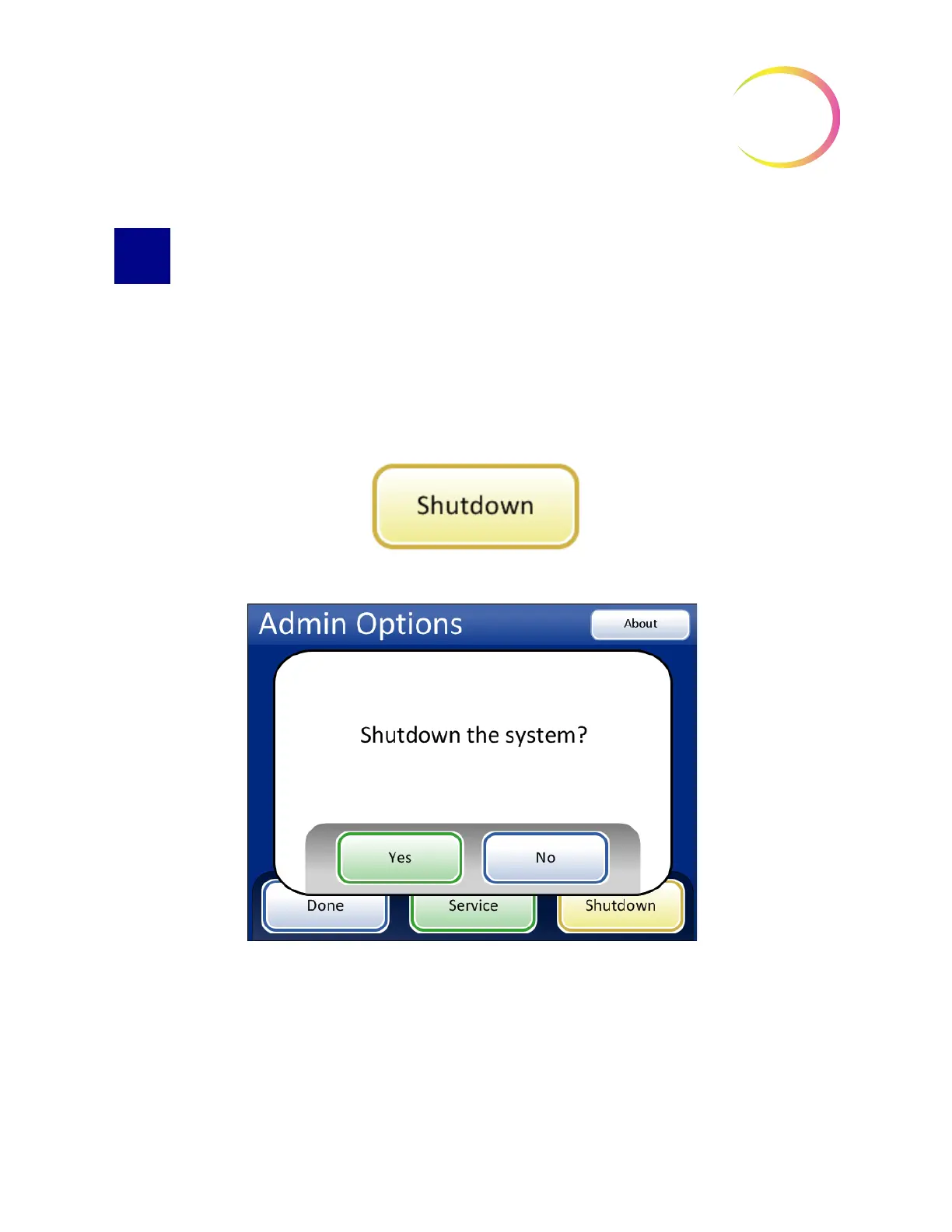
finish, or stop the batch. To shut down, touch the
Admin Options
button on the user interface and
press the
Shutdown
button.
Figure 2-6 Shutdown Button
Figure 2-7 Shutdown Confirmation
A confirmation box will be displayed on the touch screen. Press the
Yes
button to proceed with
system shutdown. Wait for the application to turn off (wait until the touch screen interface goes
blank). Then turn off the power switch located on the right side of the instrument.
Press the
No
button to cancel shutdown and return to the Admin Options screen.



 To Next Page