ThinPrep™ 5000 Processor with AutoLoader Operator’s Manual
8.21
MAINTENANCE
REMOVE AND CLEAN DRIP TRAYS
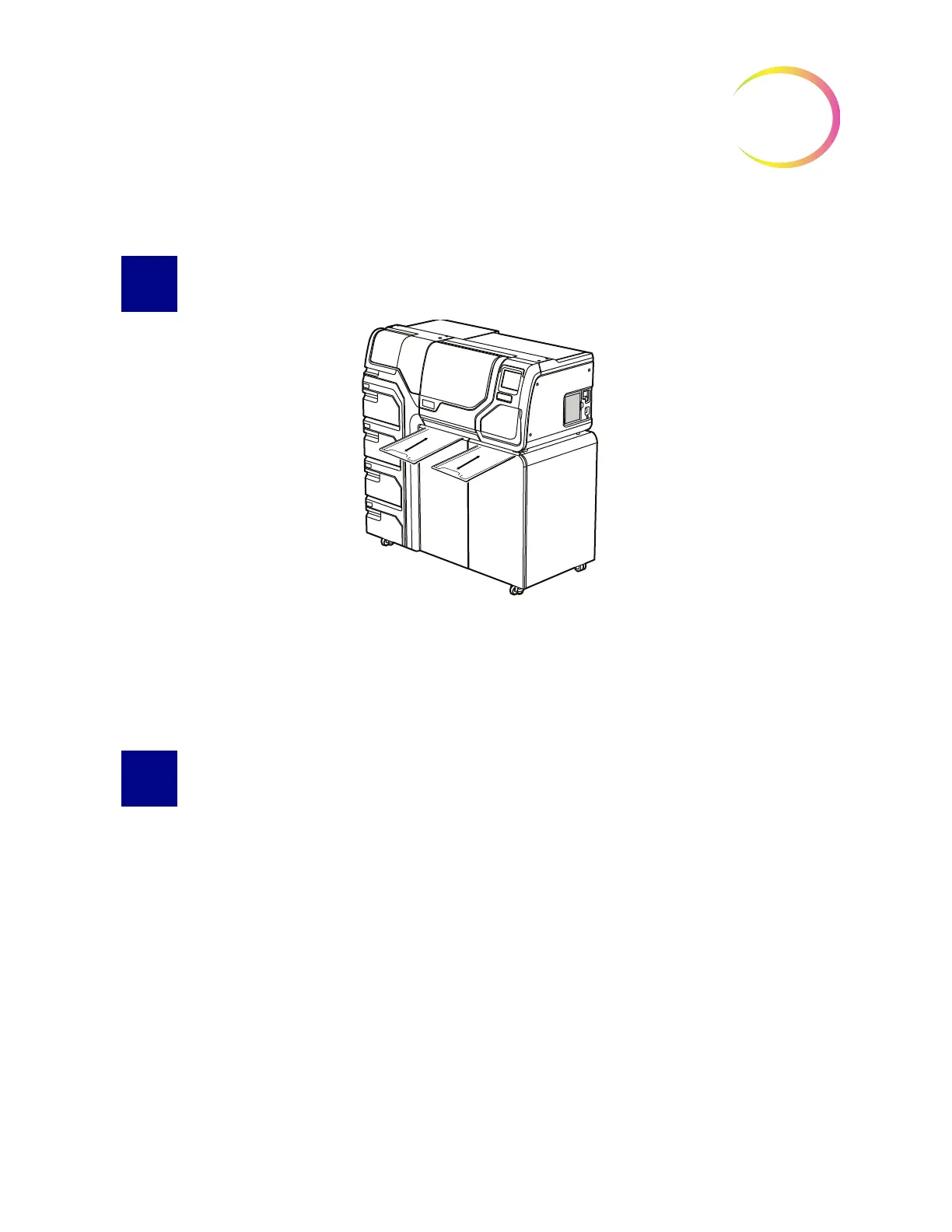
Figure 8-24 Drip Trays
Two plastic drip trays are located on the underside of the processor compartment. They slide all the
way out for inspection and cleaning.
Wash them down with soap and water. Allow them to dry thoroughly before returning them to the
processor.
REPLACING THE USER ACCESSIBLE FUSES
Processor fuses
WARNING:
Instrument Fusing.
There are two user-accessible fuses located on the rear of the processor, just above the power cord
module (Figure 8-25). If the instrument fails to operate, the fuses can be replaced as outlined below.
Hologic Field Service can replace the fuses as needed.



 To Next Page