ThinPrep™ 5000 Processor with AutoLoader Operator’s Manual
6.29
USER INTERFACE
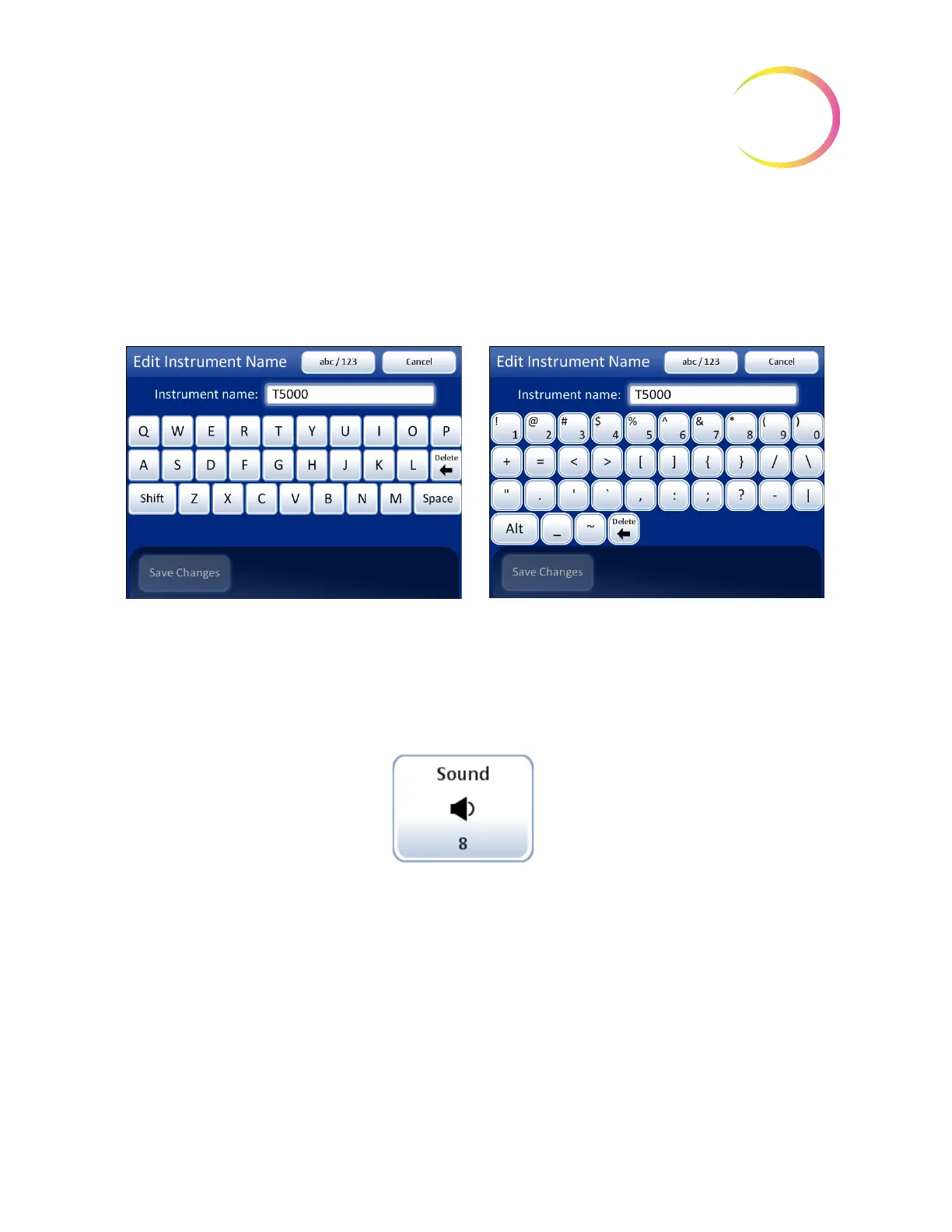
Press the
abc/123
button to display a screen to enter numbers and characters. Use the
Alt
key to enter
characters on the top row. Switch between keyboard and keypad as often as desired before saving
changes.
Press the
Save Changes
button to save and return to the System Settings screen.
Figure 6-34 Edit Instrument Name Screen
Set Sound
Figure 6-35 Sound Volume Button
Audible alert tones can be set to signal batch completion and error condition. The volume of the
audible alert tones may be increased or decreased using the Sound setting.
Sound
volume button shows
current setting



 To Next Page