MAINTENANCE
8.10
ThinPrep™ 5000 Processor with AutoLoader Operator’s Manual
EMPTY THE WASTE BOTTLE
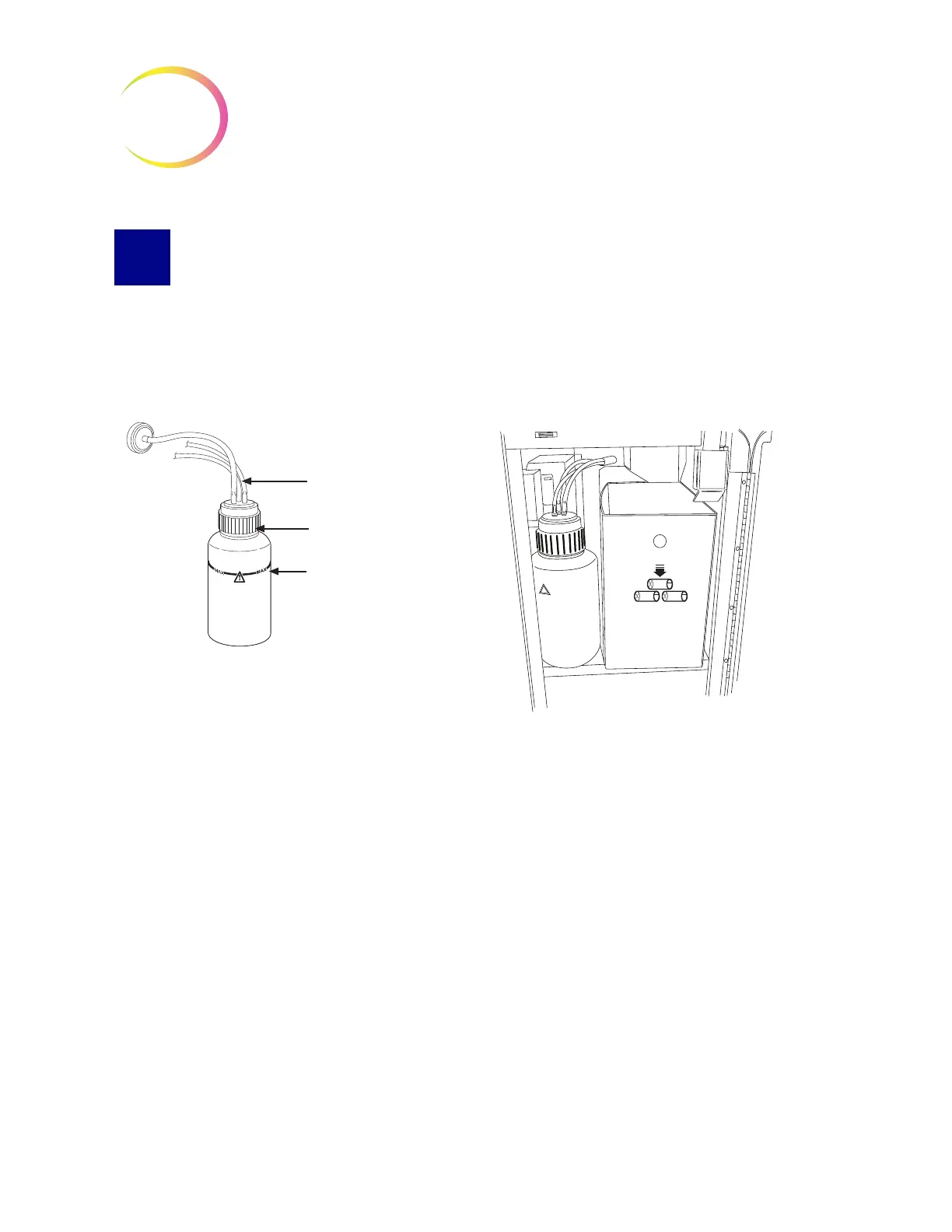
Waste resulting from sample processing is routed to and stored in the waste bottle.
The instrument senses when the waste bottle is full and displays a message to empty the waste
(see Figure 8-10). Or the waste may be emptied during routine maintenance of the instrument.
The waste bottle is located inside the waste cabinet - the door on the right of the AutoLoader cart.
Figure 8-9 Waste Bottle and Waste Bottle Location
Emptying the Waste Bottle
From the Admin Options screen, press the
Empty Liquid Waste
button. Then touch the
Continue
button to allow the system to vent the waste bottle, so that the cap can easily be removed.
Waste tubing
Waste cap
Waste bottle



 To Next Page