ThinPrep™ 5000 Processor with AutoLoader Operator’s Manual
2.5
INSTALLATION
TURN ON THE THINPREP 5000 PROCESSOR WITH AUTOLOADER
CAUTION:
Do not power on the processor while a USB key is in any of the USB ports. See
Figure 2-3 for USB port locations.
All doors must be closed prior to turning on the processor.
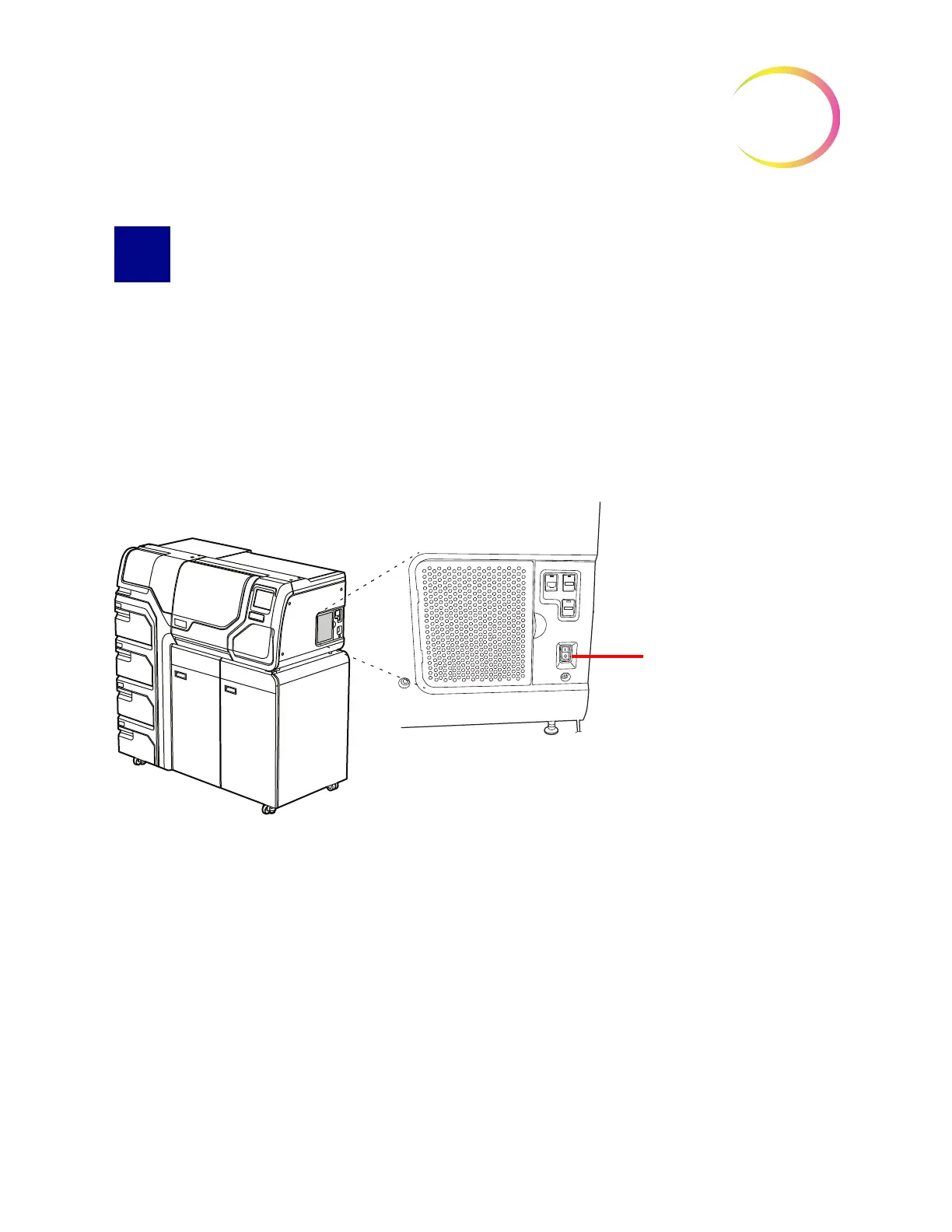
Press the rocker switch located on the lower right side of the processor to the on position.
See Figure 2-4.
Note:
There is a power switch on the rear of the AutoLoader - always leave that on, and only power
the entire system on or off via the switch on the processor portion of the instrument.
Figure 2-4 Power Switch
The user interface will display the ThinPrep
™
5000 processor with AutoLoader logo while the system
boots and the main screen will appear when the processor is ready for use. The pump/compressor
will be heard to energize and the mechanisms will move and then position for access. The doors will
unlock.
Note:
The ThinPrep 5000 processor with AutoLoader is intended to be left on. For shutdown or
extended shutdown, see page 2.7.



 To Next Page