ThinPrep™ 5000 Processor with AutoLoader Operator’s Manual
6.21
USER INTERFACE
Press the
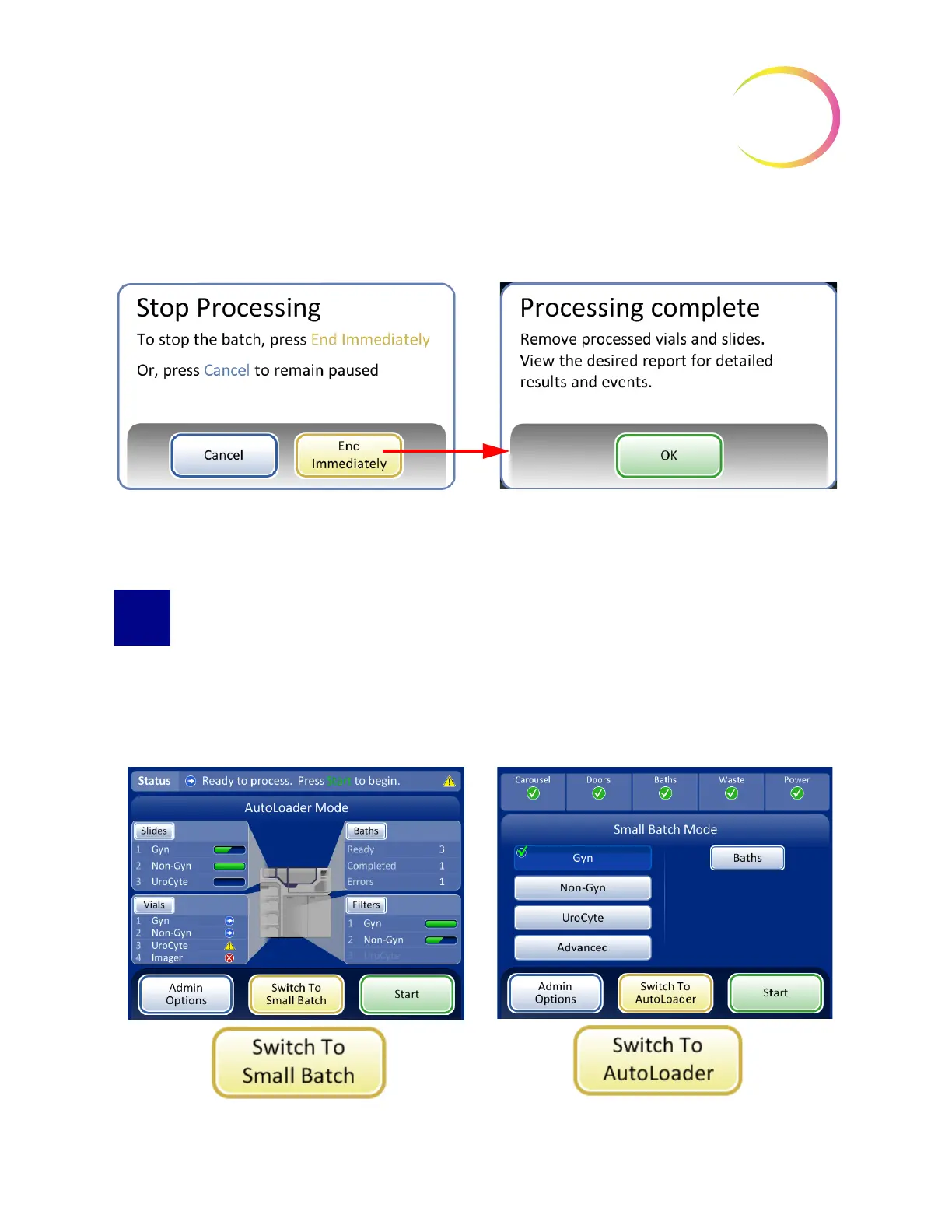
Stop Processing
button to end further processing for that batch. The Processing Complete
screen will display. Refer to the next section.
Figure 6-23 Stop Processing After Batch Pause
SWITCH MODES
When the instrument is in an idle state, it can be switched to small batch mode, for running 20 or
fewer samples directly on the processing carousel.
See “SMALL BATCH MODE” on page 7.20 for detailed description of using the small batch mode.
Figure 6-24 Switch Mode Buttons
Cancel
button will return to the paused screen.
End Immediately
button will end the batch



 To Next Page