OPERATING INSTRUCTIONS
7.14
ThinPrep™ 5000 Processor with AutoLoader Operator’s Manual
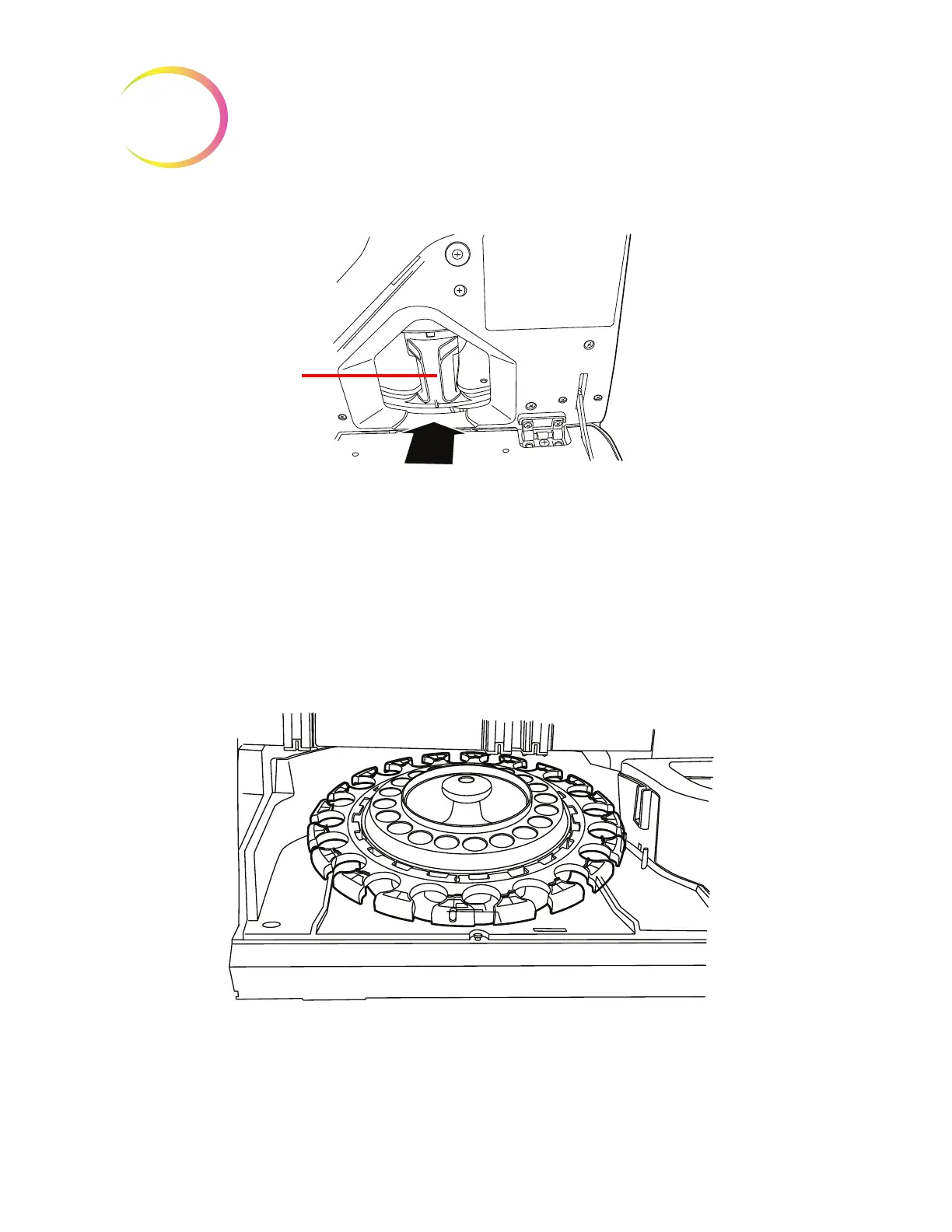
Figure 7-10 Load Fixative Bath into the Processor
See “Baths” on page 6.10 for details on loading baths and bath status indicators.
Load the Carousel into the Processor
Load an empty carousel into the processor. Open the front door and slide the tray into the center of
the processing area. It is properly in place when it stops against the rear wall.
The carousel does not have to be inserted with the number 1 position oriented in a particular way.
When the instrument begins processing, it will automatically align the carousel to begin processing
at position 1.
Figure 7-11 Load Carousel into the Processor
The carousel must be empty of any slides, filters or vials before an AutoLoader batch will begin.
Slide the fixa-
tive bath into
the processor



 To Next Page