ThinPrep™ 5000 Processor with AutoLoader Operator’s Manual
6.9
USER INTERFACE
Process Sequences
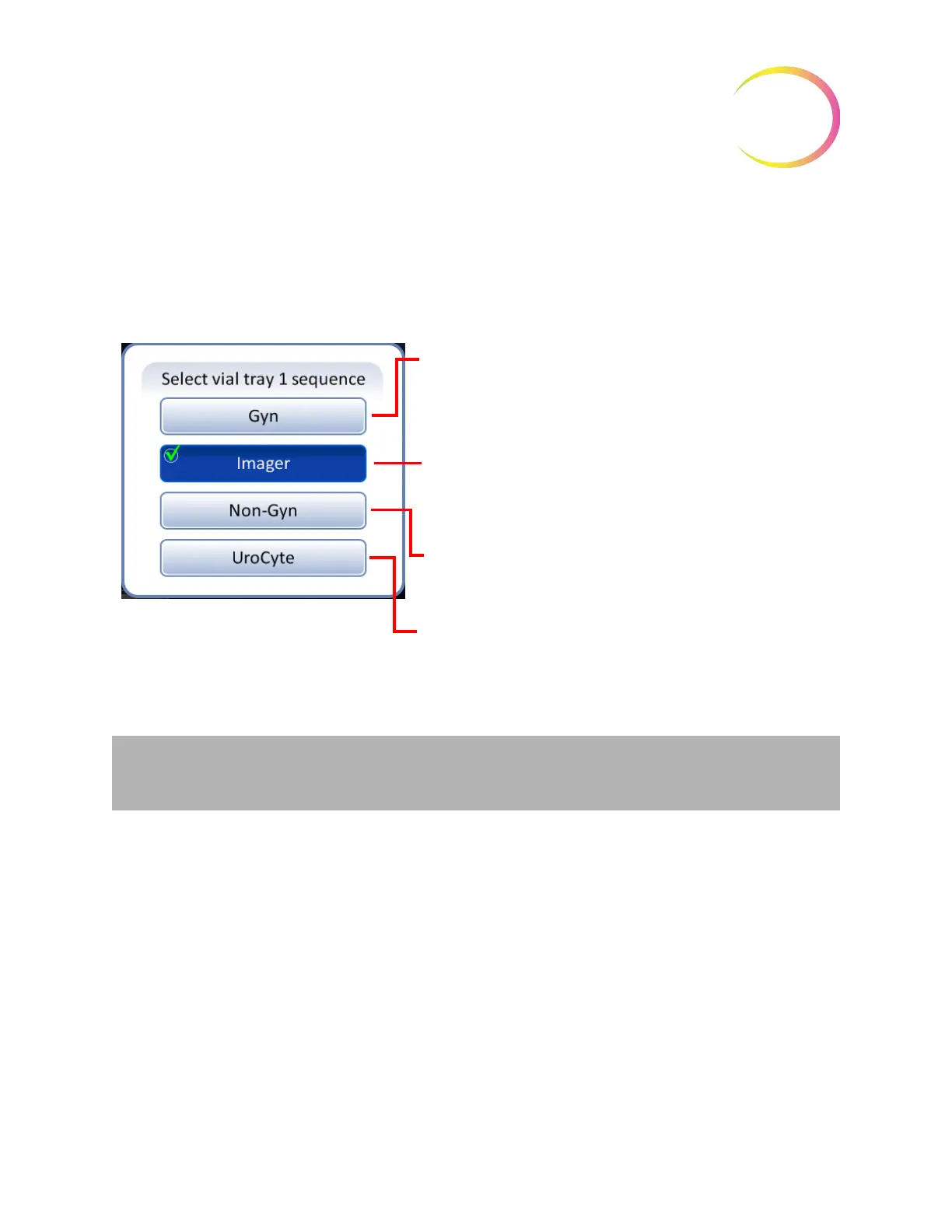
Press the button for the vial tray number (1, 2, 3 or 4) and then select the process sequence for the
sample vials that will be run in that tray. Only one type of sample may be run in each vial tray.
Figure 6-8 Select Vial Tray Sequence
For running a tray of gynecologic specimens that will be
imaged with the ThinPrep Imaging System.
Use clear ThinPrep Pap test filters and ThinPrep microscope
slides for use with the ThinPrep Imaging System.
For running a tray of non-gynecologic specimens.
Use blue ThinPrep non-gynecologic filters and ThinPrep
microscope slides.
For running a tray of urine specimens for use in conjunction
with the Vysis
®
UroVysion assay.
Use yellow ThinPrep UroCyte filters and ThinPrep UroCyte
microscope slides.
For running a tray of gynecologic specimens.
Use clear ThinPrep
™
Pap test filters and ThinPrep
microscope slides.
Important:
The system can sense whether vial trays are present or not, but it cannot sense
what type of samples they hold. The system only knows what process sequence type was set
previously for that sample tray position. The user must always select the process sequence.



 To Next Page