ThinPrep™ 5000 Processor with AutoLoader Operator’s Manual
6.17
USER INTERFACE
The system checks for slides in the cassettes. If cassettes have been newly loaded, this can take one to
two minutes while it determines how full the cassettes are. If it is a continued batch, the system
already has a running slide count.
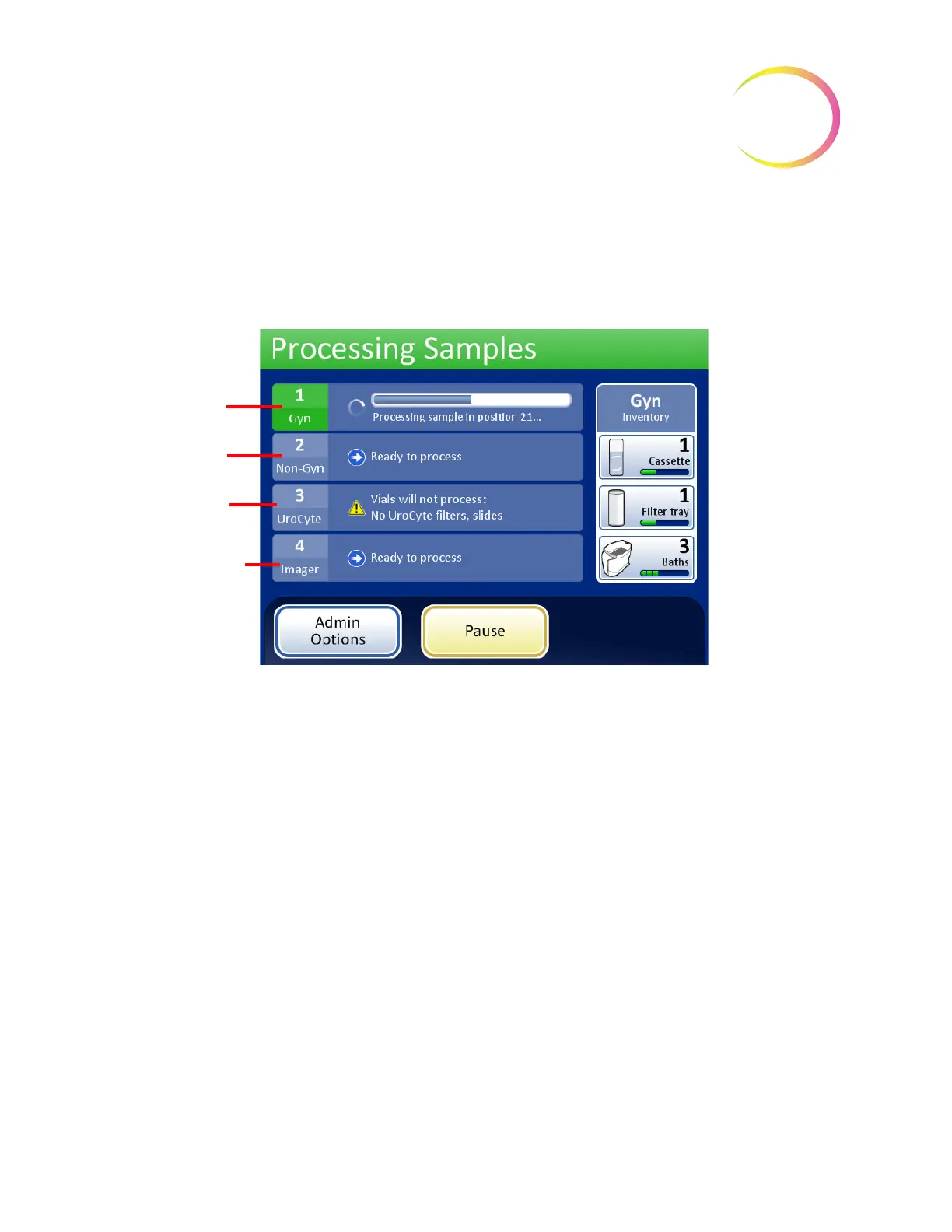
The progress bar indicates how many samples of the vial tray have been processed.
Figure 6-17 Processing Samples Screen
When a tray has been completed the display will change to show that the tray has been processed.
The field changes to green and a button to review the batch report becomes available. The status is
indicated by a check mark (for OK) or an X (for error).
Gyn vials,
processing
Non-Gyn vials,
ready
UroCyte vials,
unable to process
Imager vials, ready



 To Next Page