ThinPrep™ 5000 Processor with AutoLoader Operator’s Manual
6.43
USER INTERFACE
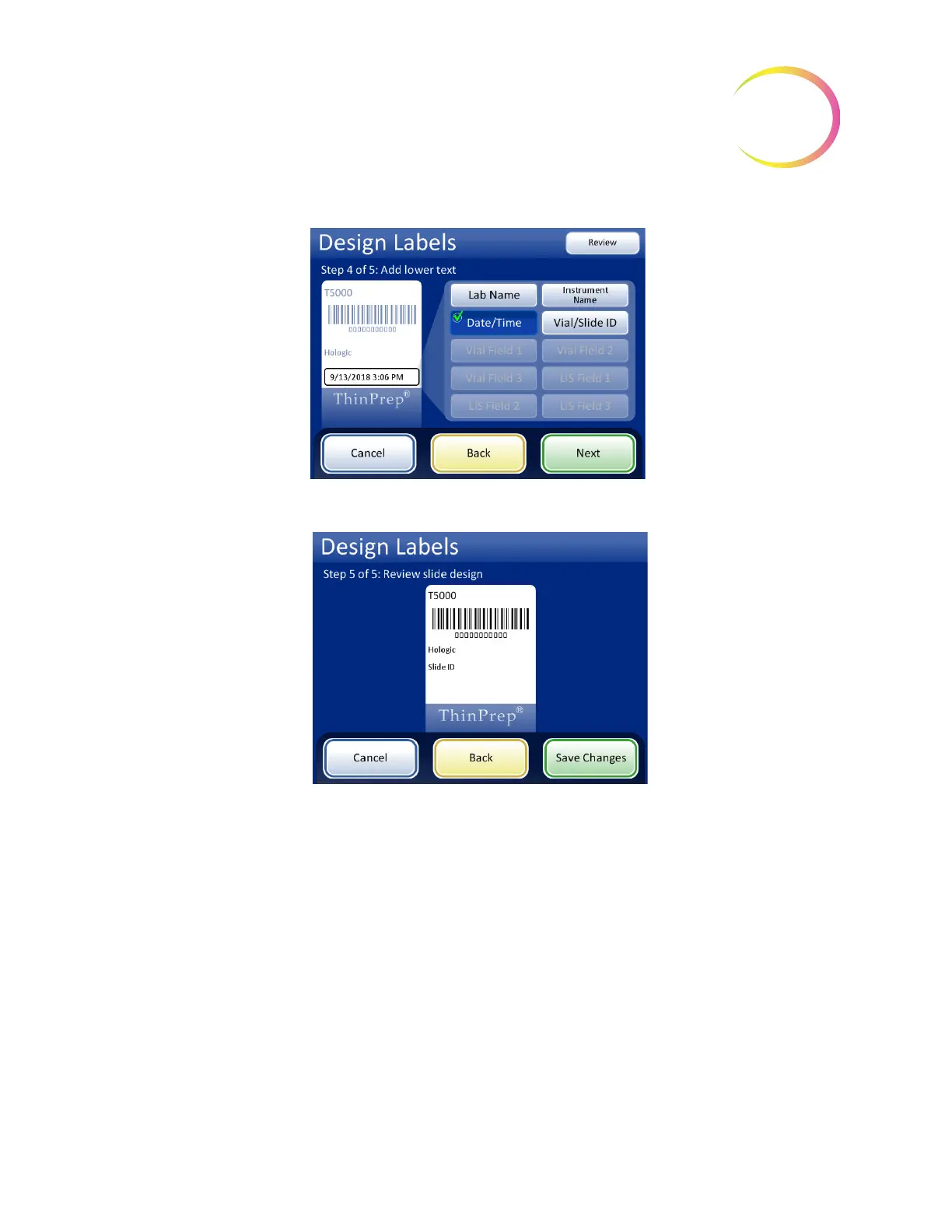
Figure 6-58 Step 4 - Add Lower Text
Figure 6-59 Step 5 - Review Design and Save Changes
When label type is selected from the Admin Options screen, the current design will be etched onto
the microscope slides.
Note:
This is only for the ThinPrep 5000 processor with AutoLoader. If samples are to be processed
directly from the carousel in small batch mode, the slides need to be labeled or etched
prior
to
processing.



 To Next Page