USER INTERFACE
6.74
ThinPrep™ 5000 Processor with AutoLoader Operator’s Manual
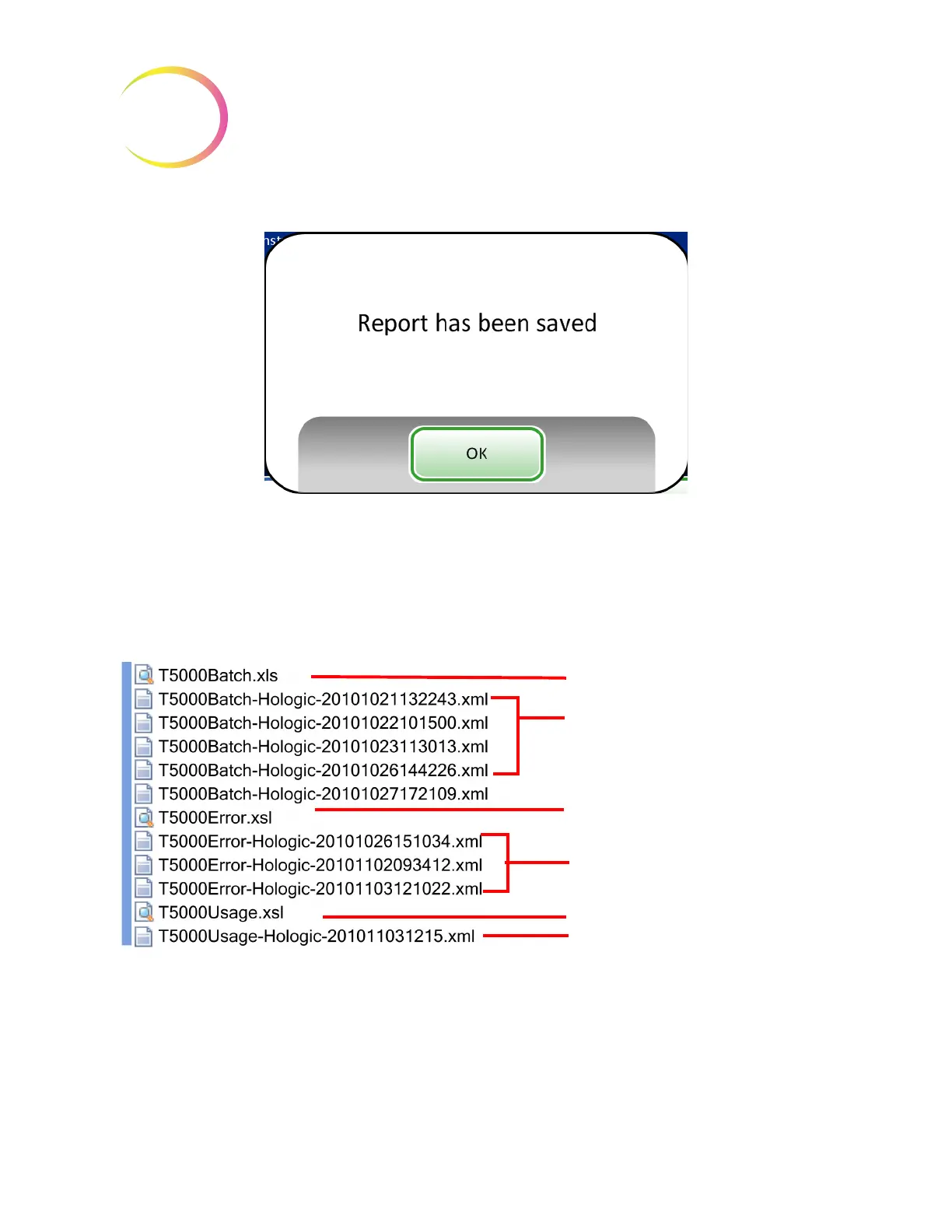
Figure 6-91 The Report Has Been Saved Message
The system creates a folder titled T5000Reports on the USB device. Each report is written to there.
Reports are automatically named by the convention of “Report type - Processor Name - Date and
Time. XML.” This is illustrated below. With each report type, a style sheet file is also created, so that
when the report is viewed or printed from any other source, it will look like the report seen on the
T5000 interface.
Figure 6-92 Reports Saved to USB
Batch Report style sheet file
Batch Reports
Error Report style sheet file
Error Reports
Usage Report style sheet file
Usage Report



 To Next Page