46 MPA2C3 User Manual
For example, you might assign a group of outputs to be energized from 12:00 AM
to 6:00 AM. every day. The 12:00 AM to 6:00 AM, Sunday through Saturday, time
period is called a schedule.
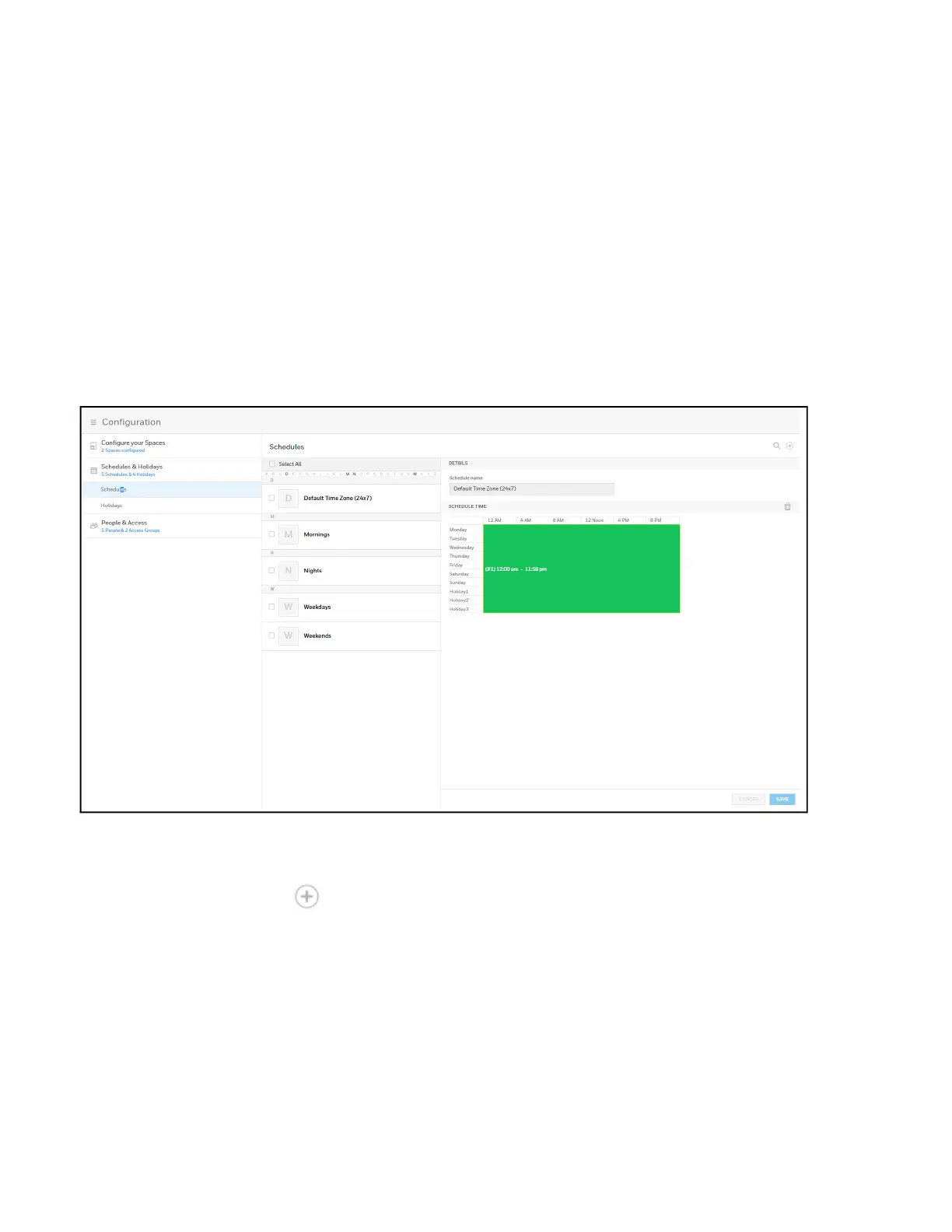
The Schedules configuration interface enables you to:
• Create schedules by which the panel controls the operation of the inputs,
outputs, groups, readers, access groups, and cards through access groups.
• Modify a schedule.
• Delete a schedule.
• Define the holiday schedule.
Click Configuration > Schedules & Holidays > Schedules to display the Schedules
interface:
Figure 2-12 Time Management - Schedules
Creating a schedule
1. Click in the Schedules interface to add a new schedule.
2. Enter a schedule name.
3. Click and drag to define the parameters of the schedule, including days of the
week and hours.
4. Click Save.



 To Next Page