Section 5 – Programming
5–15
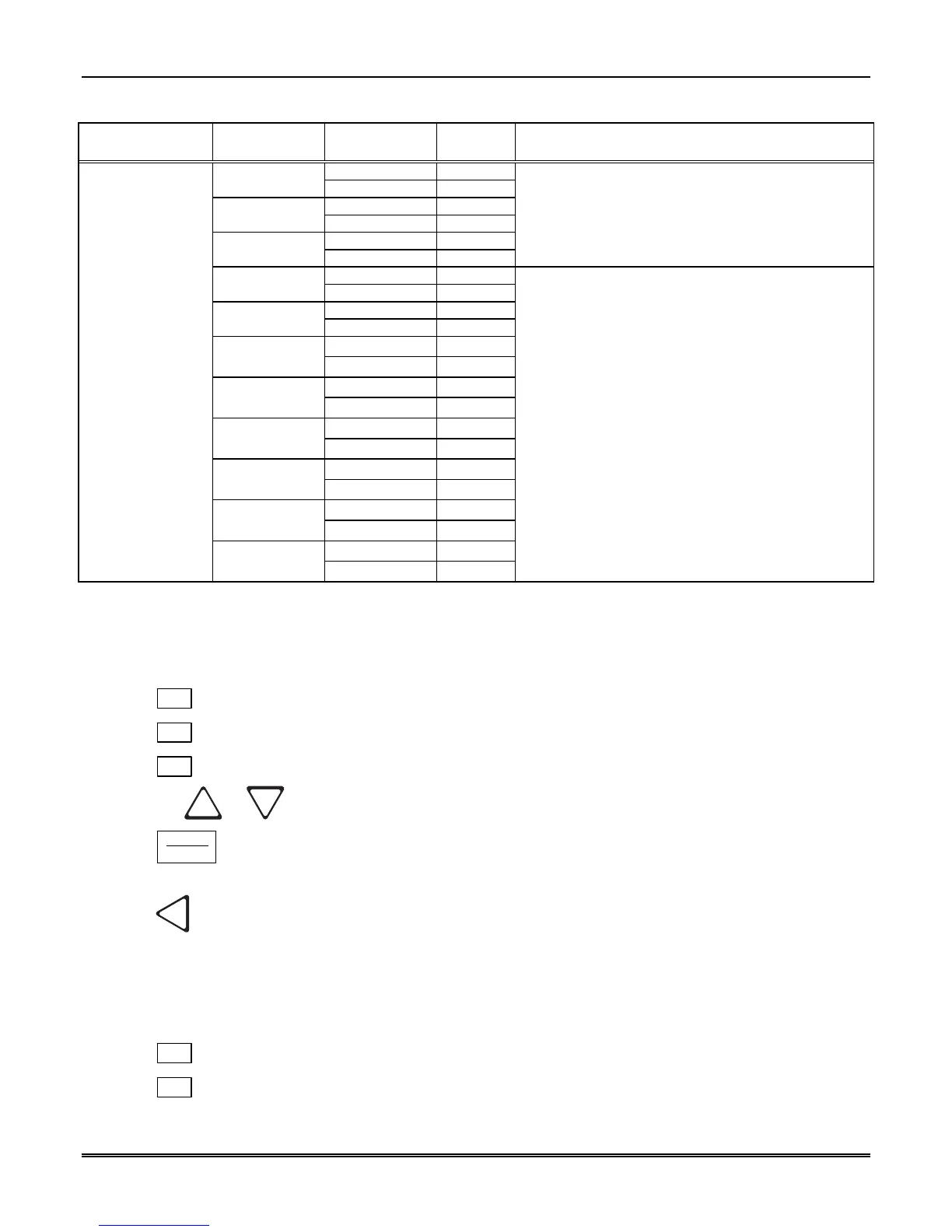
Table 5–5: Communications Options and Description (cont’d)
Communications
Menu
Choices Options Default Comments
Yes
✔
Printer
No
Yes
✔
Bkp Printer
No
Yes
✔
Auto Comp
No
Yes = will annunciate if an event, trouble or fault
condition occurs.
No = no annunciation if an event, trouble or fault
condition occurs.
See Section 5.4.3.7 for programming steps.
Yes
✔
Bkp Auto Comp
No
Yes
✔
Battery
No
Yes
✔
Device
No
Device corresponds to loss of communication with slave
or line card.
Yes
✔
Line Fault
No
Yes
✔
AC Power
No
Yes
✔
Buffer Full
No
Yes
✔
Listen In
No
Listen in must be set to No for UL installations.
Yes
✔
Aux Relay Cfg
Call Pending
No
5.4.3.1 How to Set Up Port Function
Port functions set up how each of the communication ports will be used. Before you start to set up the port
functions review the rules for port functions in Table 5–5.
1. Enter program mode. (See Section 5.1.)
2. Press
1
for general options.
3. Press
3
for communications.
4. Press
1
to set port functions.
5. Press the
or button until the display flashes on the desired port setting.
6. Press
ENTER
MENU
.
7. Repeat steps 5 through 6 until all port functions are set.
8. Press
to exit menu.
5.4.3.2 How to set Com Port 1 Parameters
Set the baud rate, the number of data bits, number of stop bits, the parity, and the flow control (see Table 5–
5 for choice details).
1. Enter program mode. (See Section 5.1.)
2. Press
1
for general options.
3. Press
3
for communications.



 To Next Page