100
Tunable Laser Sources
How to Set the Power
NOTE If you select <BOTH (MASTER:2)> or <BOTH (MASTER:1)> as the
regulated path, both channels output optical power. You can only view
or set the parameters for the primary optical output, for example, the
high power output for <BOTH (MASTER:2)>.
The LED beside the primary optical output is lit constantly, while the
LED beside the secondary optical output flashes. For example, if you
select <BOTH (MASTER:2)> as the regulated path, the LED beside
Output 2, the High Power Output, is lit constantly and the LED beside
Output 1, the Low SSE optical output, flashes.
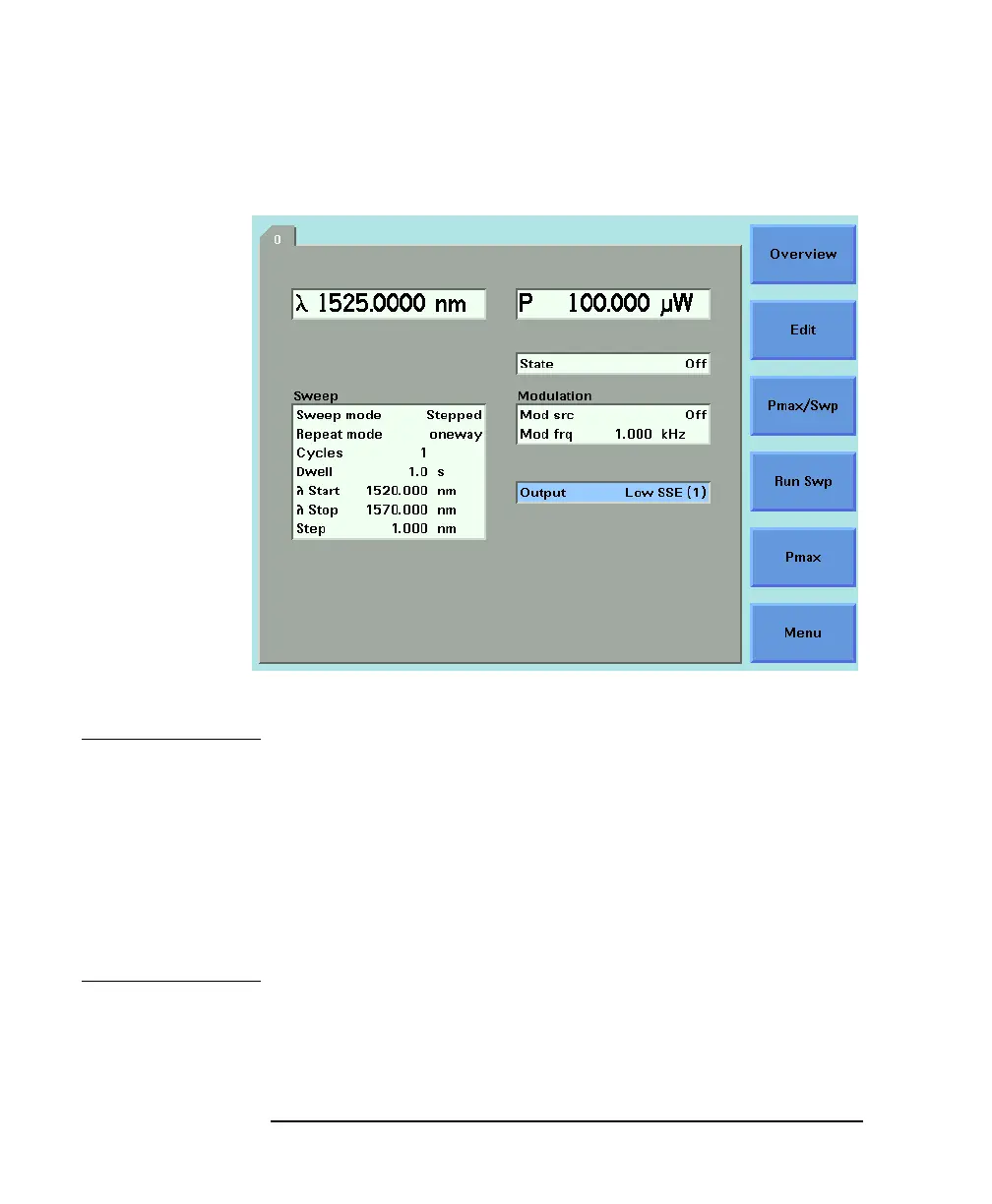
Figure 5-2 Setting Low SSE parameter



 To Next Page