57
Other Functions
Using the System Utilities
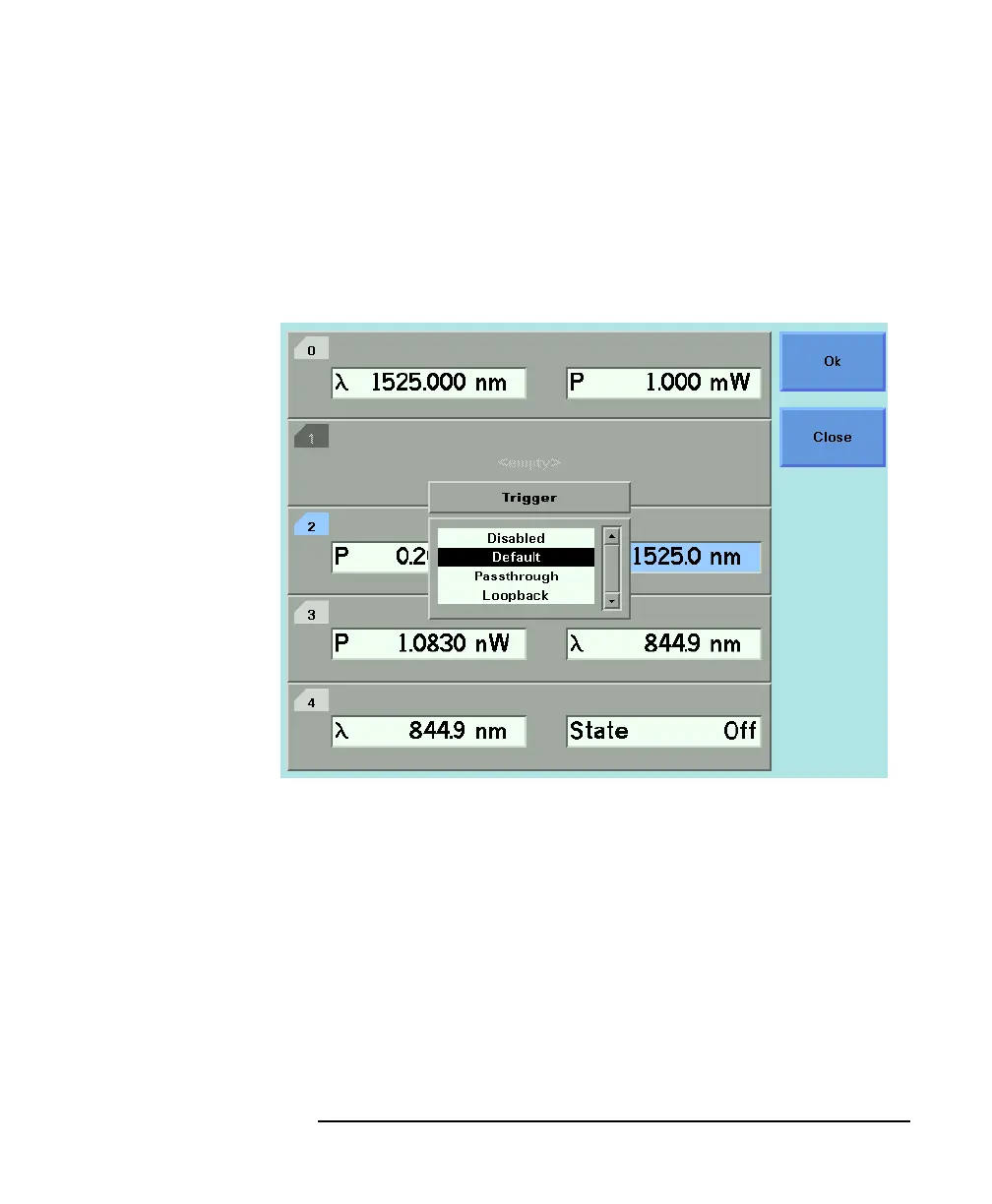
To change the triggering mode:
1 Press the CONFIG hardkey.
2 Move to the <TRIGGER> menu option and press ENTER. You see
a box displaying the available triggering modes.
3 Move to your chosen triggering mode and press ENTER.
How to Get Information About Modules
To get information about modules:
1 Press the CONFIG hardkey.
2 Move to the <ABOUT MODULES> menu option and press ENTER.
You see a box displaying information about the installed
modules, see Figure 2-7. The part number and firmware revision
of each installed module is listed.
Figure 2-6 Changing the Triggering Mode



 To Next Page