41
Getting Started
How to Change the Value of a Parameter
1.4 How to Change the Value of a Parameter
What follows is a description of the various ways of changing the
value of parameters. Examples in which particular parameter values
are changed are given with the parameter descriptions.
Parameters can be either:
• continuous, you may choose any value within a given range, or
• discrete, you may choose a value from a menu.
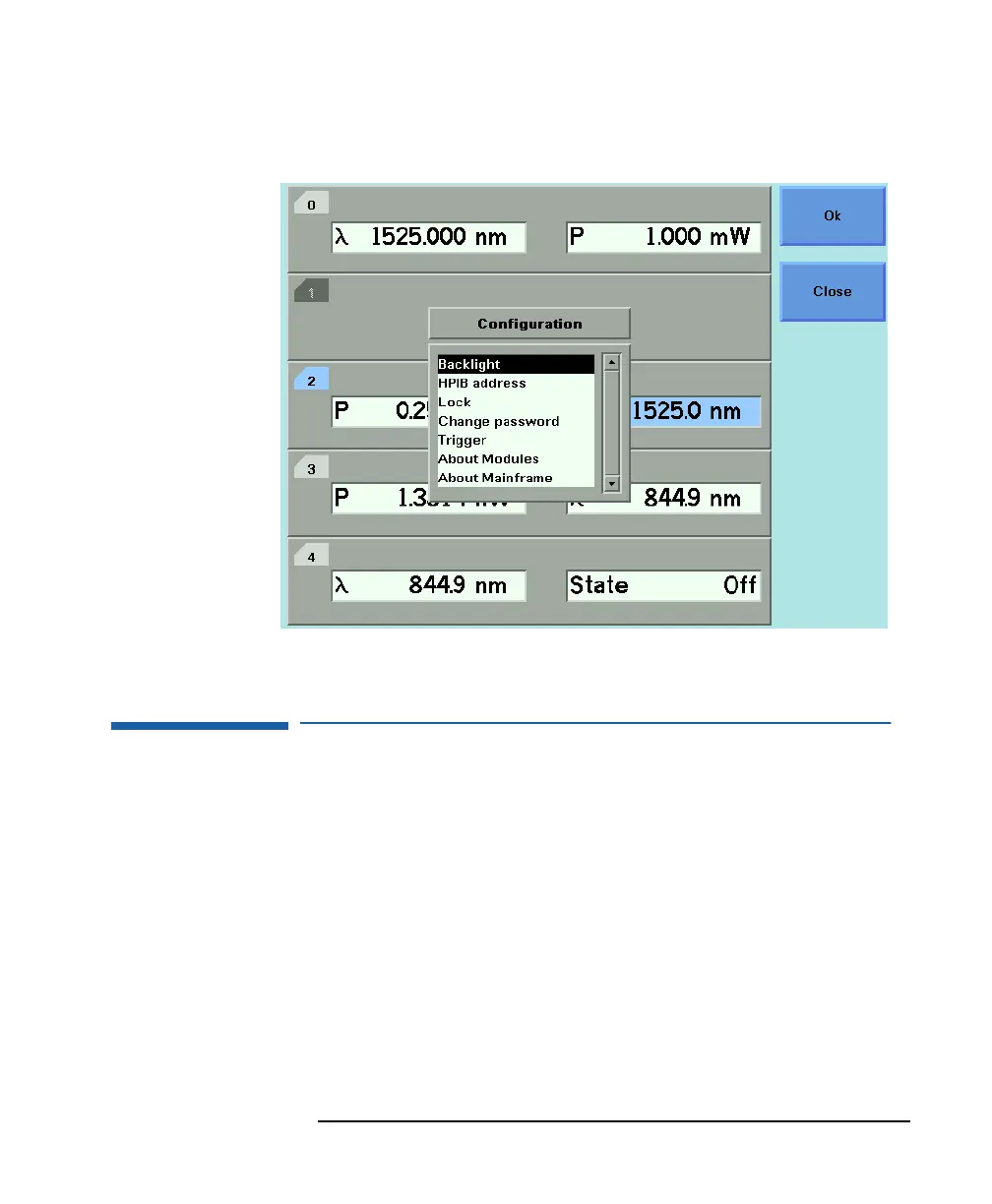
Figure 1-14 The HP 8164A System Configuration Menu



 To Next Page