59
Other Functions
How to Connect an External Monitor
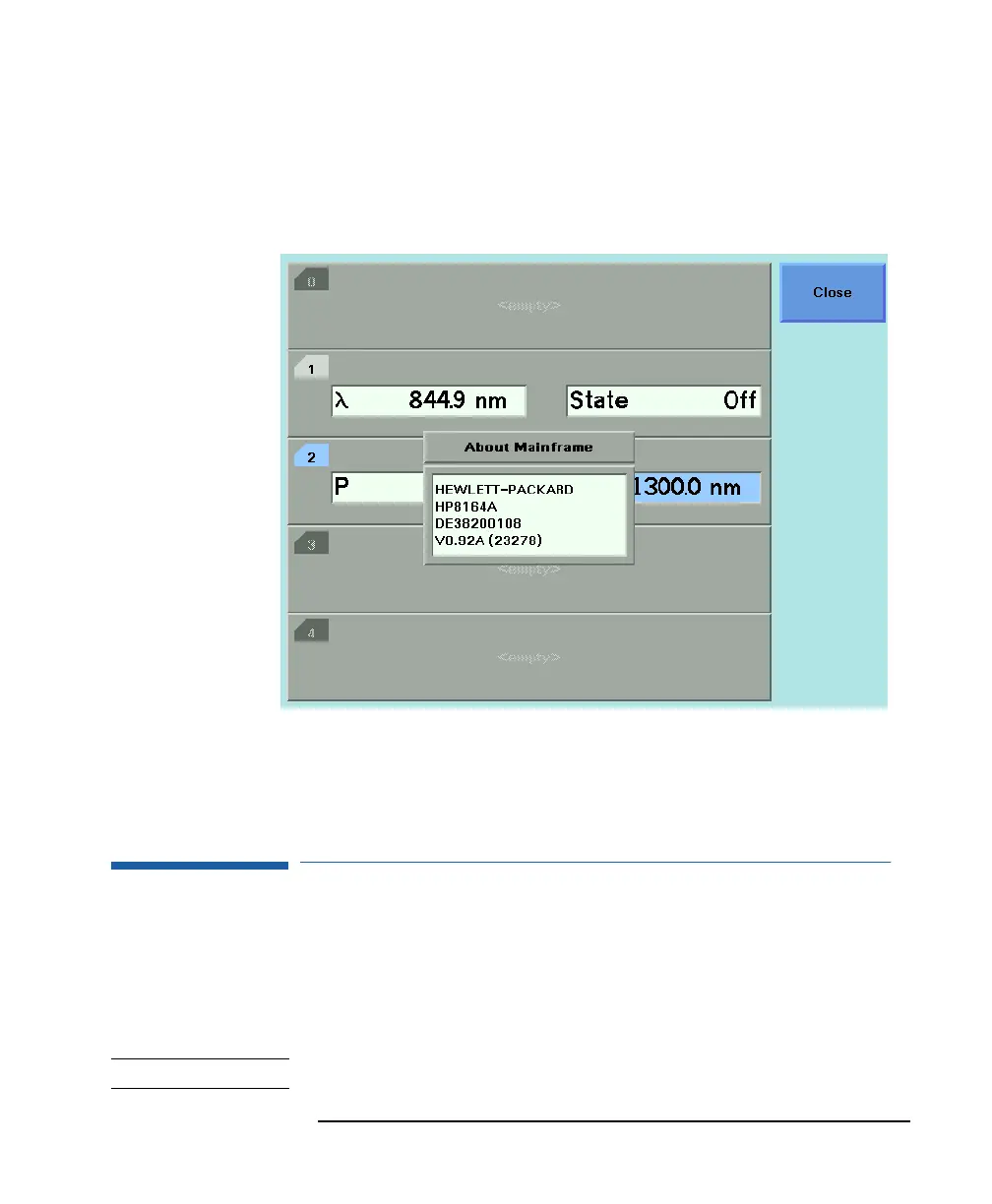
3 Press <Close> to return to the configuration menu.
2.2 How to Connect an External Monitor
You can connect a standard VGA monitor to the HP 8164A
Lightwave Measurement System. This is a useful feature for
making presentations or for training courses.
NOTE You cannot connect a monitor to the HP 8163A Lightwave Multimeter.
Figure 2-8 Viewing Information About the Mainframe



 To Next Page