104
Tunable Laser Sources
How to Set the Power
What is Excessive Power ?
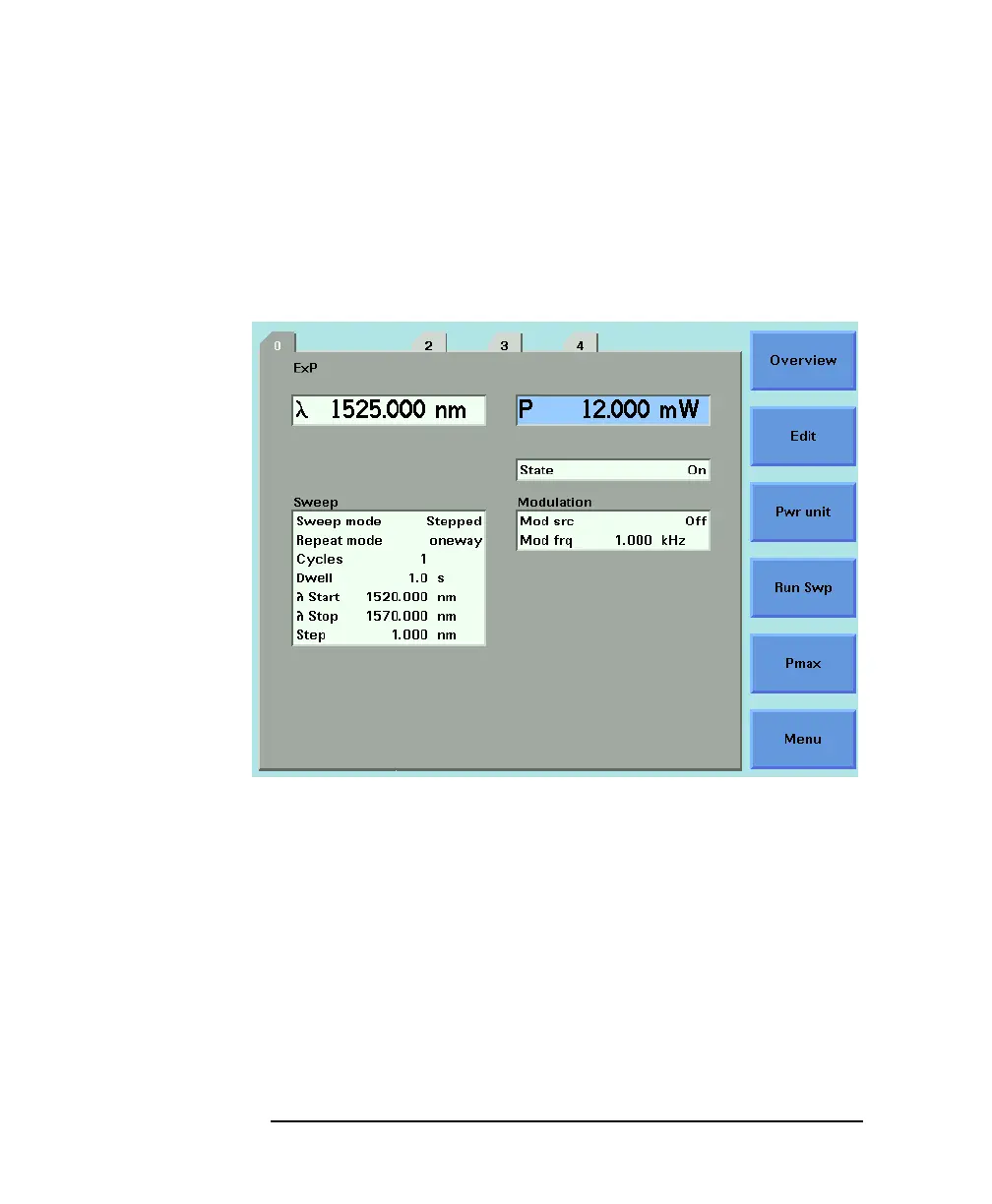
If the text ExP is displayed in a Tunable Laser channel, see Figure
5-4, you have set an output power level that is larger than the laser
diode can produce at the selected wavelength.
To avoid this you can:
• reduce the optical output power,
• press [Pmax] to select the highest permissible power for the
selected wavelength value, or
• press [Pmax/Swp] to select the highest permissible power for
the selected wavelength sweep.
Figure 5-4 Excessive Power



 To Next Page