74
Power Measurement
How to Measure Power
How to Set the Range
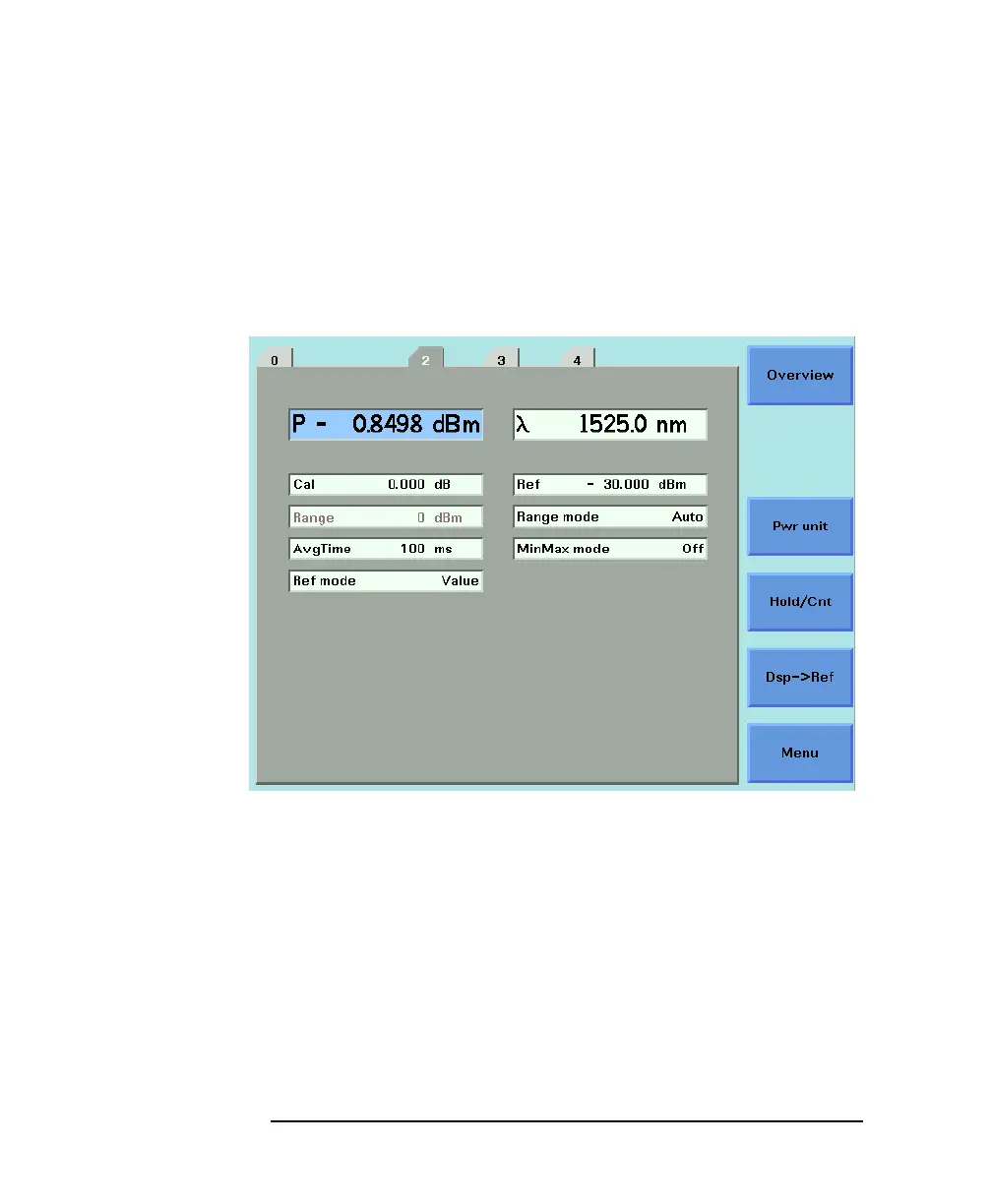
If you choose <AUTO> from the Range mode menu, this parameter
can not be set. The Range parameter is displayed in light grey text,
see Figure 3-7, in automatic ranging mode.
If you choose <MANUAL> from the Range mode menu, you must
choose a range setting from the Range menu.
To choose a range setting, follow the following steps:
1 Setup the instrument.
2 Move to the Power Meter channel and press the [Details]
softkey.
3 Move to the [P] parameter and press the [Power Unit] softkey.
You will see the menu in Figure 3-2.
Figure 3-7 Auto-Range Mode



 To Next Page