145
Appendix A. Installation and Maintenance
Using Modules
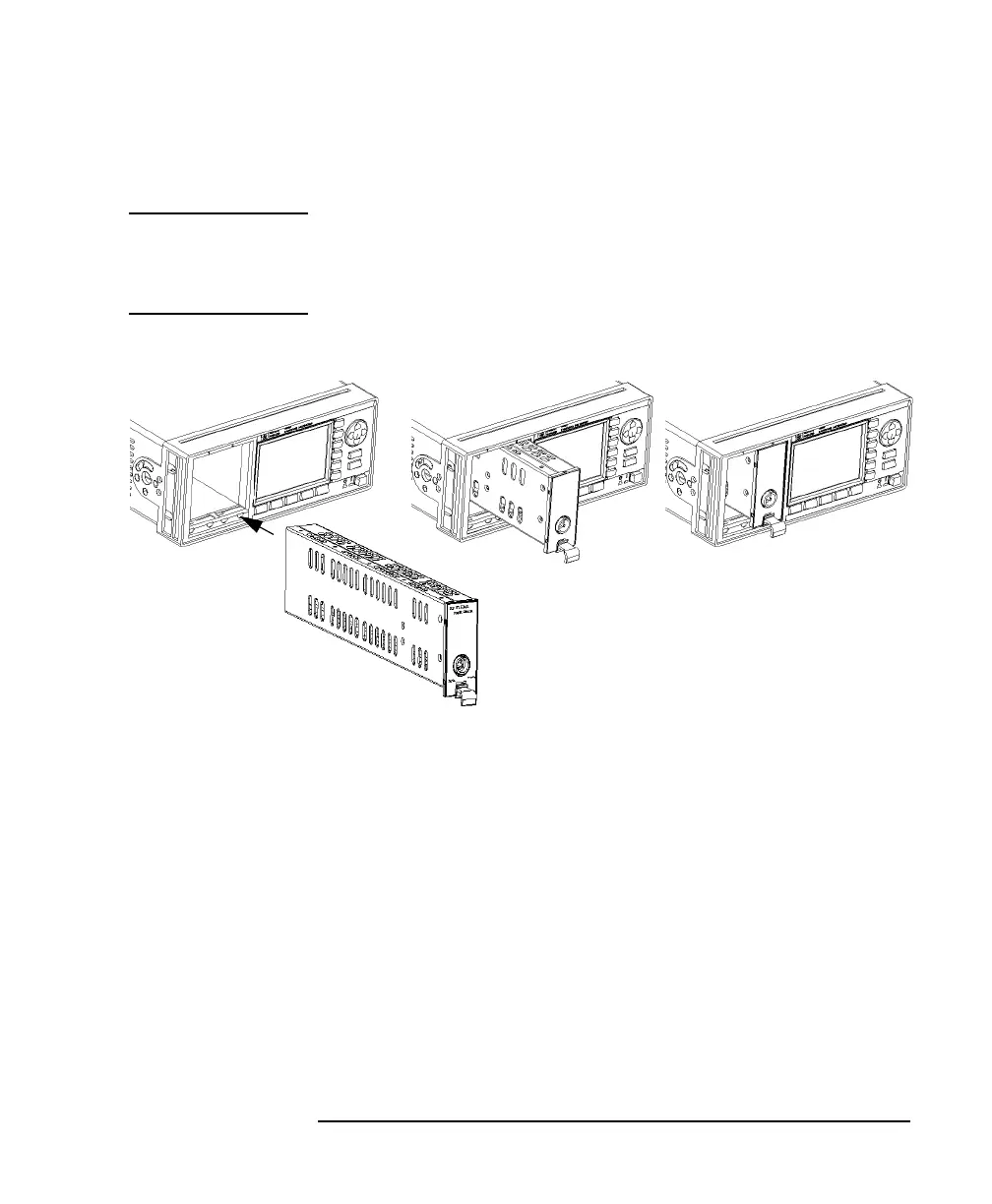
How to Fit a Front-Loadable Module
CAUTION Do not use the electrical or optical connectors to push the module into
the instrument, as this can cause damage to the connectors.
Make sure that the line power is switched off before you fit a module.
1 Position the module at an unoccupied slot, with the catch at the
bottom front of the module.
2 Insert the module into the slot and onto the tracks. If the module
does not slide in freely, check that you have correctly positioned
and correctly oriented it and that there is no obstruction to its
movement.
3 Apply pressure to the front panel, and push the module as far as
it goes. You hear a small click when the module reaches its
installed position. This is the catch making contact.
Figure A-10 How to Insert a Front-Loadable Module into the HP 8163A



 To Next Page