110
Tunable Laser Sources
How to Perform a Wavelength Sweep
How to Set the Wavelength Sweep
The Sweep Parameters
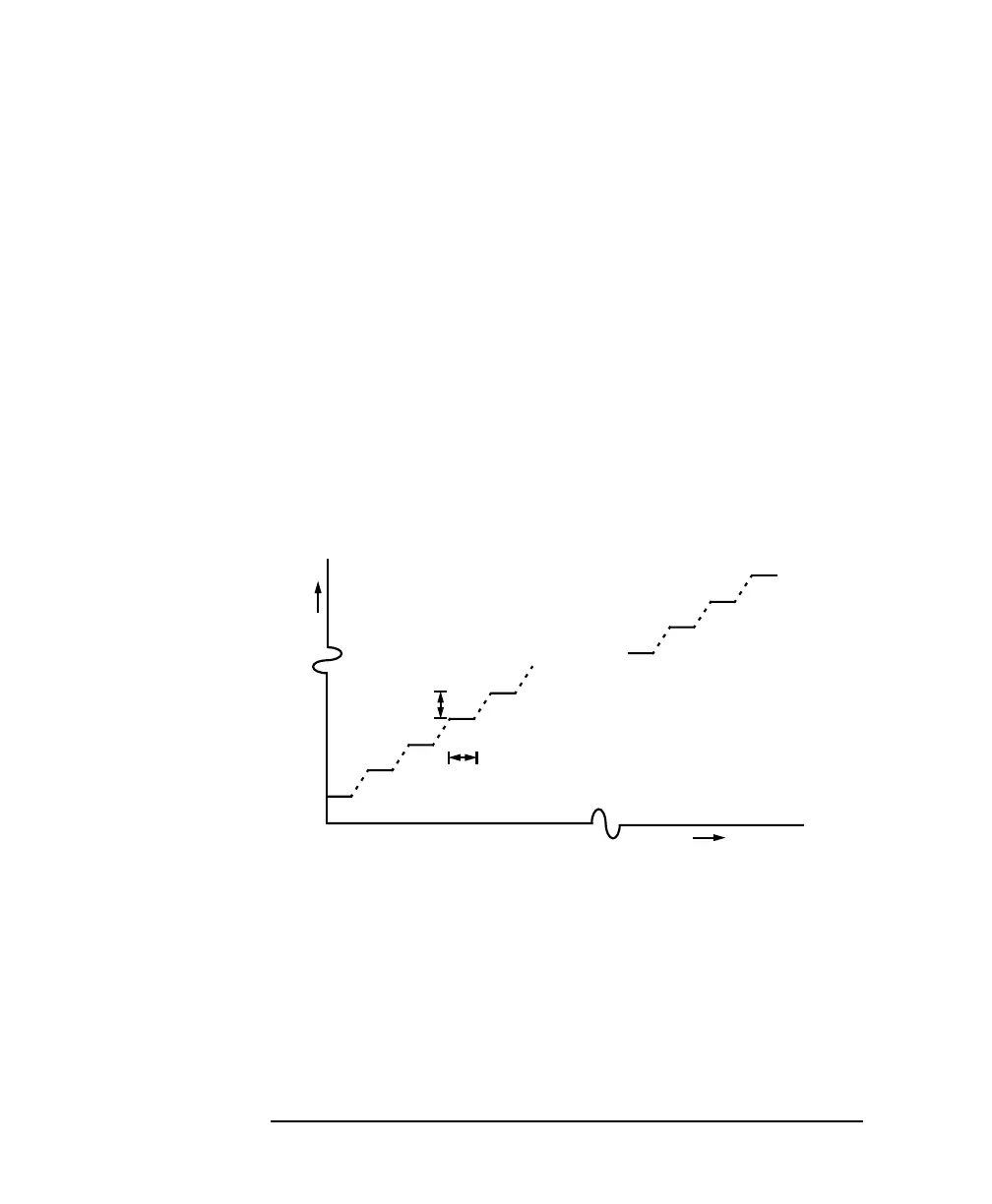
These are the parameters for the wavelength sweep:
• [λ START], the wavelength at which the sweep begins,
• [λ STOP], the wavelength at which the sweep ends,
•[STEP], the size of the change in the wavelength for each step,
•[CYCLES], the number of times the sweep is repeated,
•[DWELL], the amount of time spent at the wavelength during
each step, for a stepped sweep
•[VSWEEP], the speed of a continuous sweep,
•[SWEEP MODE], see “How to Perform a Sweep” on page 111,
•[REPEAT MODE], see “How to Set the Repeat Mode” on
page 110.
How to Set the Repeat Mode
The [REPEAT MODE] determines how the instrument performs a
multi-cycle sweep.
• Select <TWOWAY>, if you want to start every odd sweep cycle
at [λ START] and to start each even sweep cycle at [λ STOP].
• Select <ONEWAY>, if you want to start every sweep cycle at
[λ START] and to end every sweep cycle at [λ STOP].
Figure 5-8 The Parameters for a Stepped Wavelength Sweep
Sweep Cycles = 1
λ
t
λ Stop
Dwell
Step
λ Start
Time



 To Next Page