53
Other Functions
Using the System Utilities
1 Press the CONFIG hardkey.
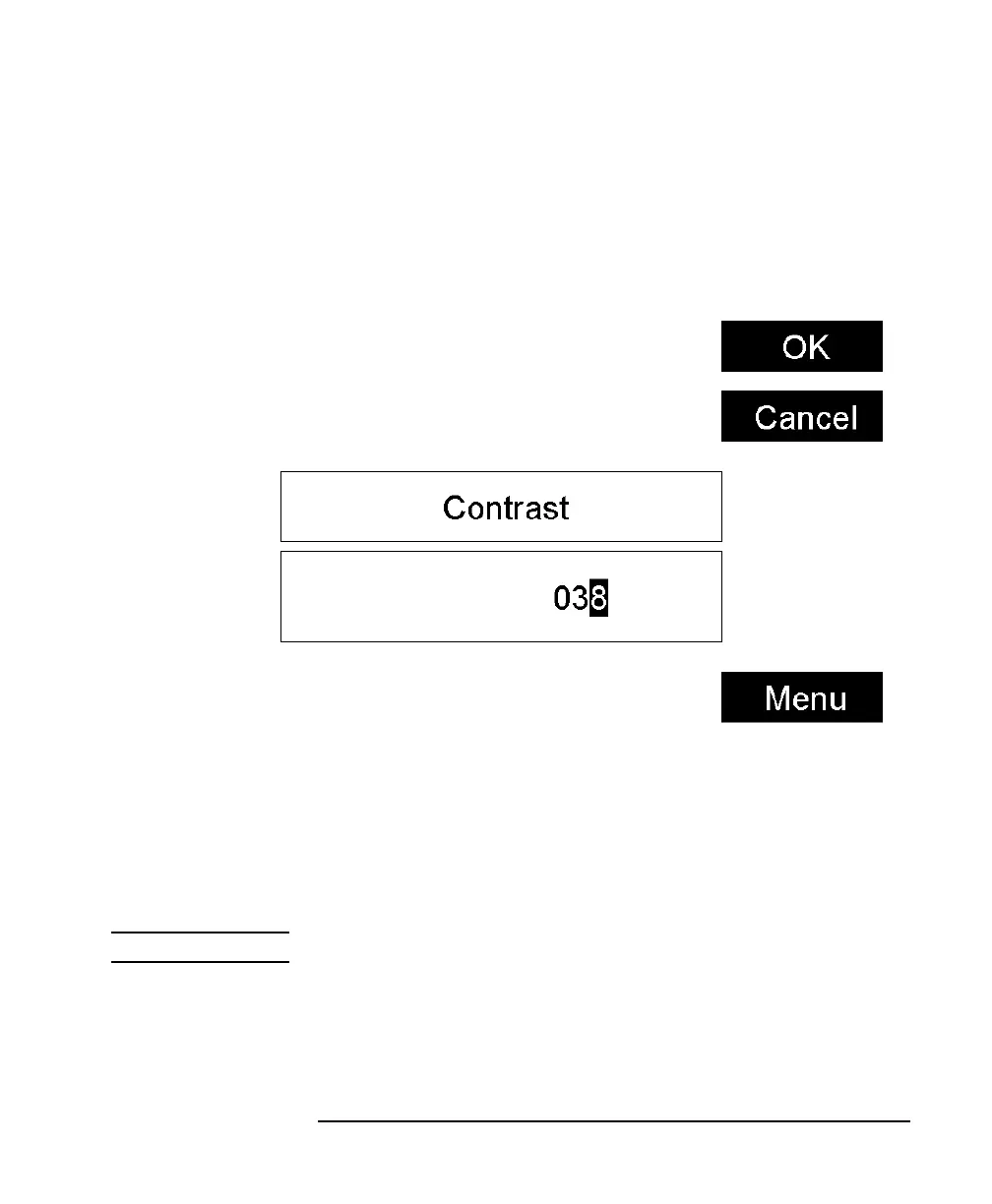
2 Move to the <CONTRAST> menu option and press ENTER. You
see a box displaying the current setting.
3 Enter an integer value between zero and one hundred in this box
and press ENTER.
How to Set the HP-IB Address
NOTE The default HP-IB address is 20.
To set the HP-IB address:
1 Press the CONFIG hardkey.
2 Move to the <HP-IB ADDRESS> menu option and press ENTER.
Figure 2-3 Entering a Contrast Value



 To Next Page