144
Appendix A. Installation and Maintenance
Using Modules
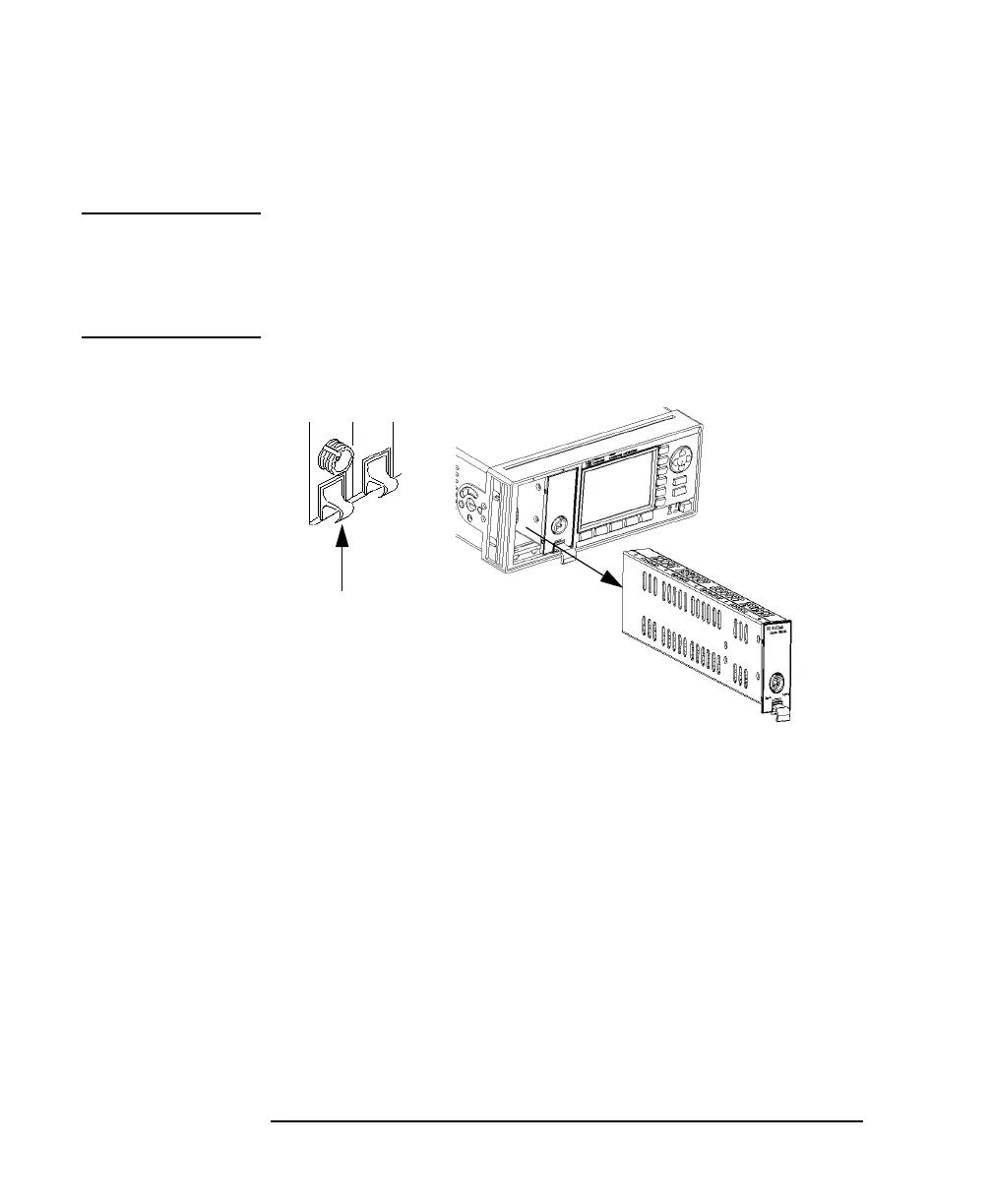
How to Remove a Front-Loadable Module
CAUTION Donotusetheelectrical or optical connectors to pull the module out of
the instrument, as this can cause damage to the connectors.
Make sure that the line power is switched off before you remove a
module.
1 Lift the catch at the bottom front of the module.
2 With the catch lifted, pull the module out of the instrument. If the
module does not slide out freely, check that you have lifted the
catch high enough.
Figure A-9 How to Remove a Front-Loadable Module from the HP 8163A



 To Next Page