52
Other Functions
Using the System Utilities
You can move to any of the menu items by using the cursor key or
the Modify knob. Select an item by pressing ENTER or the [OK]
softkey.
How to Set the Backlight & Contrast
TheContrast menu option allows you to set the appearance of the
screen.
NOTE The Contrast menu option is supported by the HP 8163A but not the
HP 8164A.
To Set the Contrast
To change the contrast level of the HP 8163A’s screen:
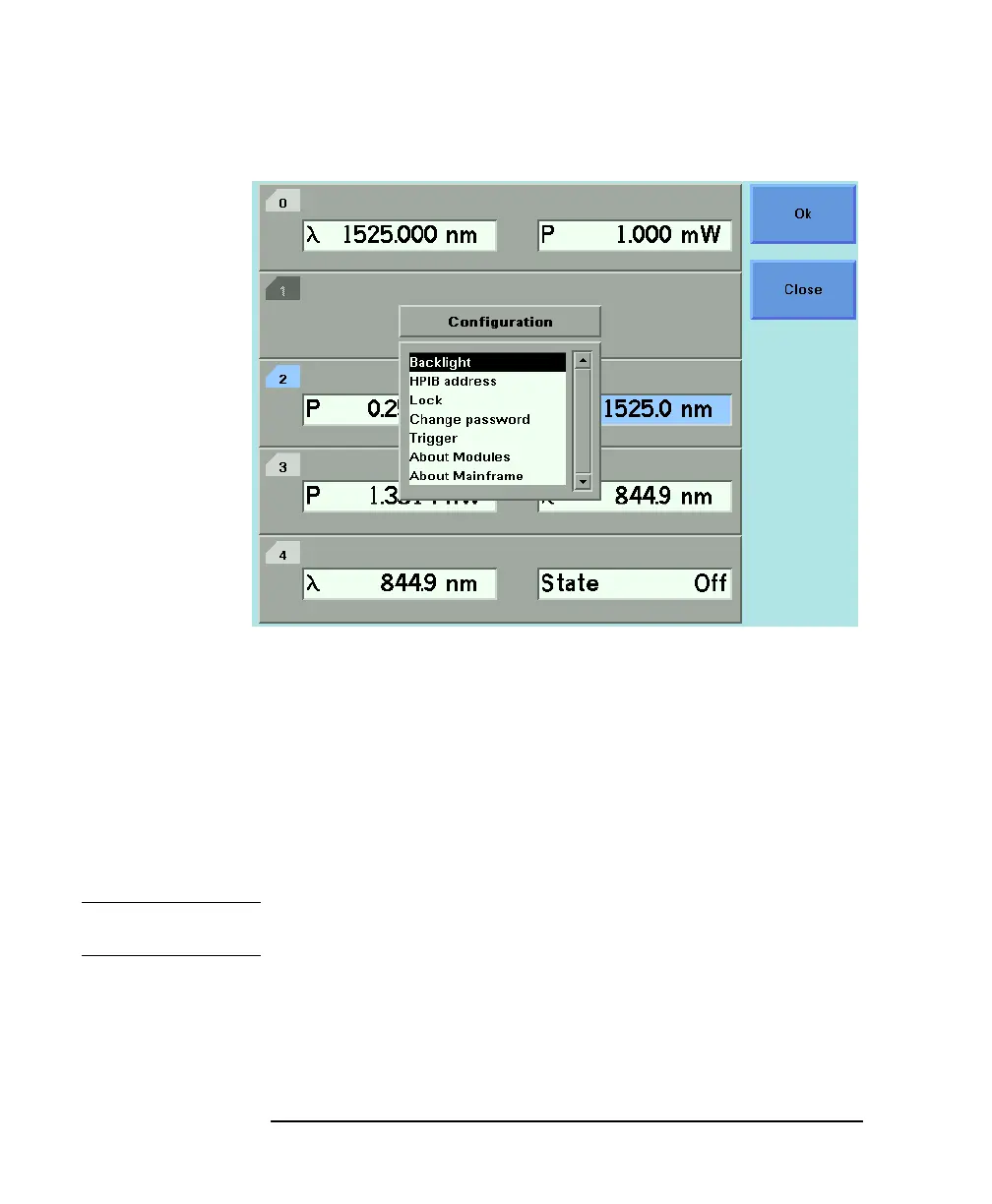
Figure 2-2 The HP 8164A System Configuration Menu



 To Next Page