81
Power Measurement
How to Measure Power
With modules designed for the HP 8153A Lightwave Multimeter,
for averaging times of more than 1 second, the displayed power is
given by the formula:
Where,
P
new
is the new displayed result,
P
old
is the previously displayed result,
Sample is the value read by the hardware,
T
avg
is the averaging time, as set by the user, and
T
sample
is the time the hardware takes to make a reading.
If the measurement condition change (for example, a range change
in automatic ranging), P
old
is reset and the averaging starts again.
This is why the display update seems faster in automatic ranging.
To set the averaging time to 1 second:
1 Move to the Power Meter channel and press the [Details]
softkey.
2 Move to the [AVGTIME] parameter and press ENTER.
3 Move to <1 s>, by using the cursor key, and press ENTER.
How to Choose the MinMax Mode
MinMax mode measures the incoming power and displays the
minimum value measured, [PMIN], and the maximum value
measured, [PMAX]. The difference between these values, ∆P, is
displayed in place of P, the power value. This mode is intended
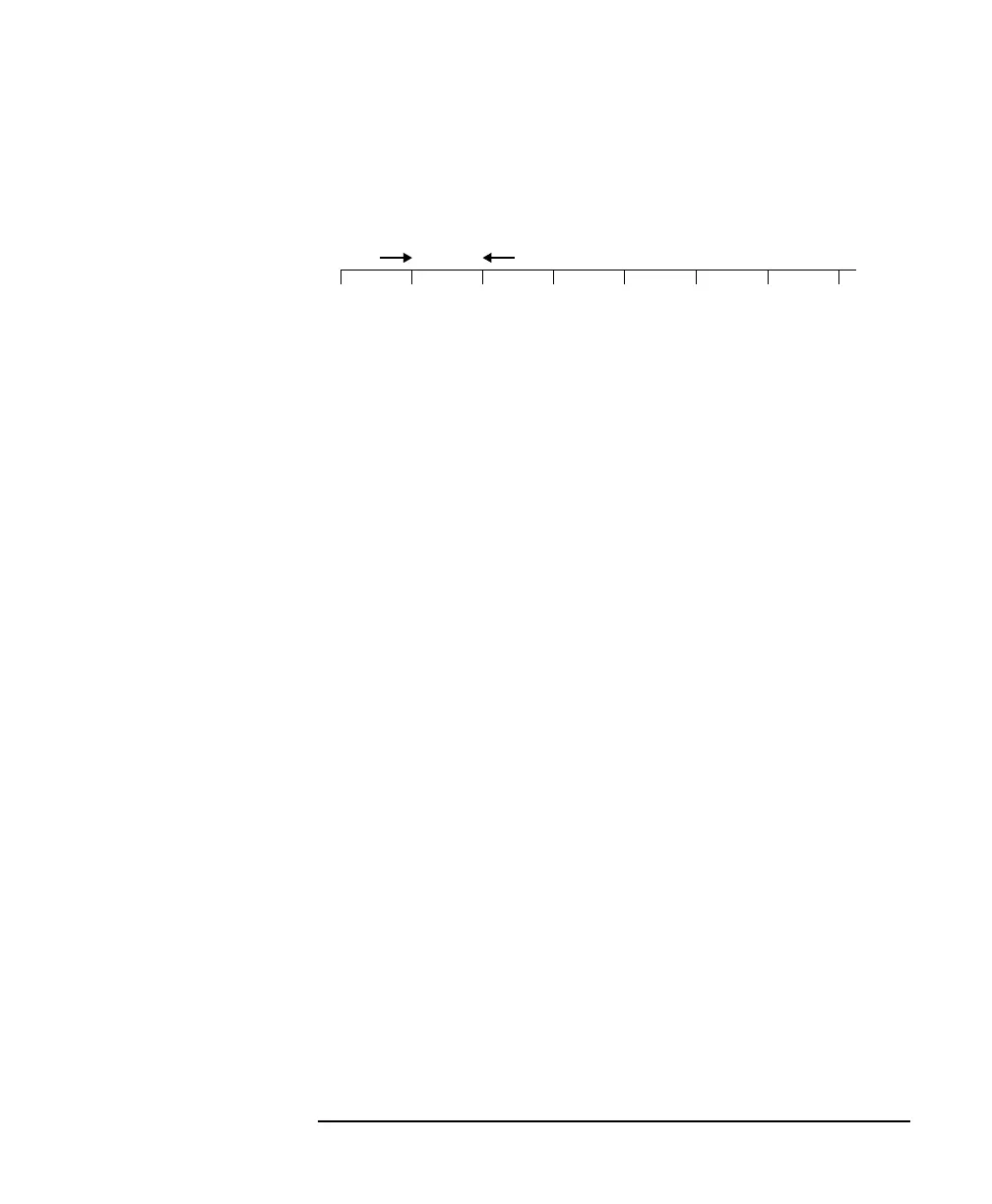
Figure 3-1 Measurements with Tavg ≤ 1 second
xxxxxxxx
T
avg
P
new
P
old
1
T
sample
T
avg
-------------------–
Sample
T
sample
T
avg
-------------------
+=



 To Next Page