149
Appendix A. Installation and Maintenance
Using Modules
careful to keep the module completely flat. If the module does
not slide freely, check that you have correctly oriented it and that
there is no obstruction to its movement.
CAUTION Ifyou insert the module at an angle or vertically, you may damage the
instrument and the module. You should insert the module along the
direction shown by the arrow in Figure A-14.
3 Apply pressure to the handle, and push the module as far as it
goes. You hear a small click when the module reaches its
installed position. This is the catch making contact.
4 Tighten retaining screws, to hold module in place.
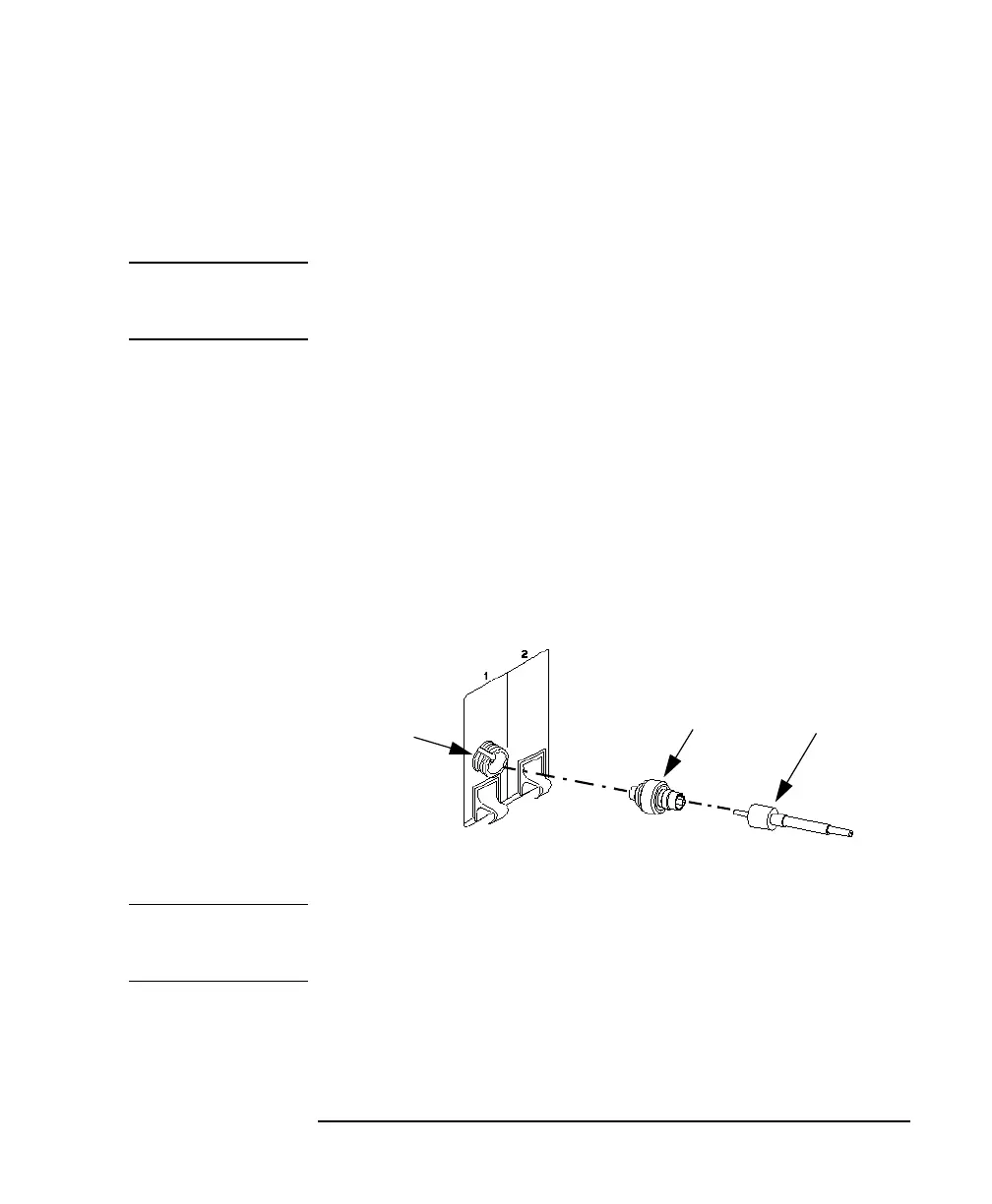
Adding a Connector Interface
NOTE Before you attach a connector and fiber, you should clean them both.
See Appendix E “Cleaning Procedures”.
Figure A-15 Adding a Connector Interface
Optical
Connector
Connector
Interface
Optical
Output
Connector



 To Next Page