150
Appendix A. Installation and Maintenance
Using Modules
To use a connector interface to connect a module to an optical-fiber
patchcord connector:
1 Select a connector interface to suit the optical connector that
your optical fiber is terminated with.
2 Connect the connector interface to the optical output connector
of the module, see Figure A-15.
3 You can now attach the optical connector to the connector
interface.
Protecting Empty Module Slots
Fitting a Blind Panel or Filler Module helps to:
• prevent dust pollution and
• optimize cooling by guiding the air flow.
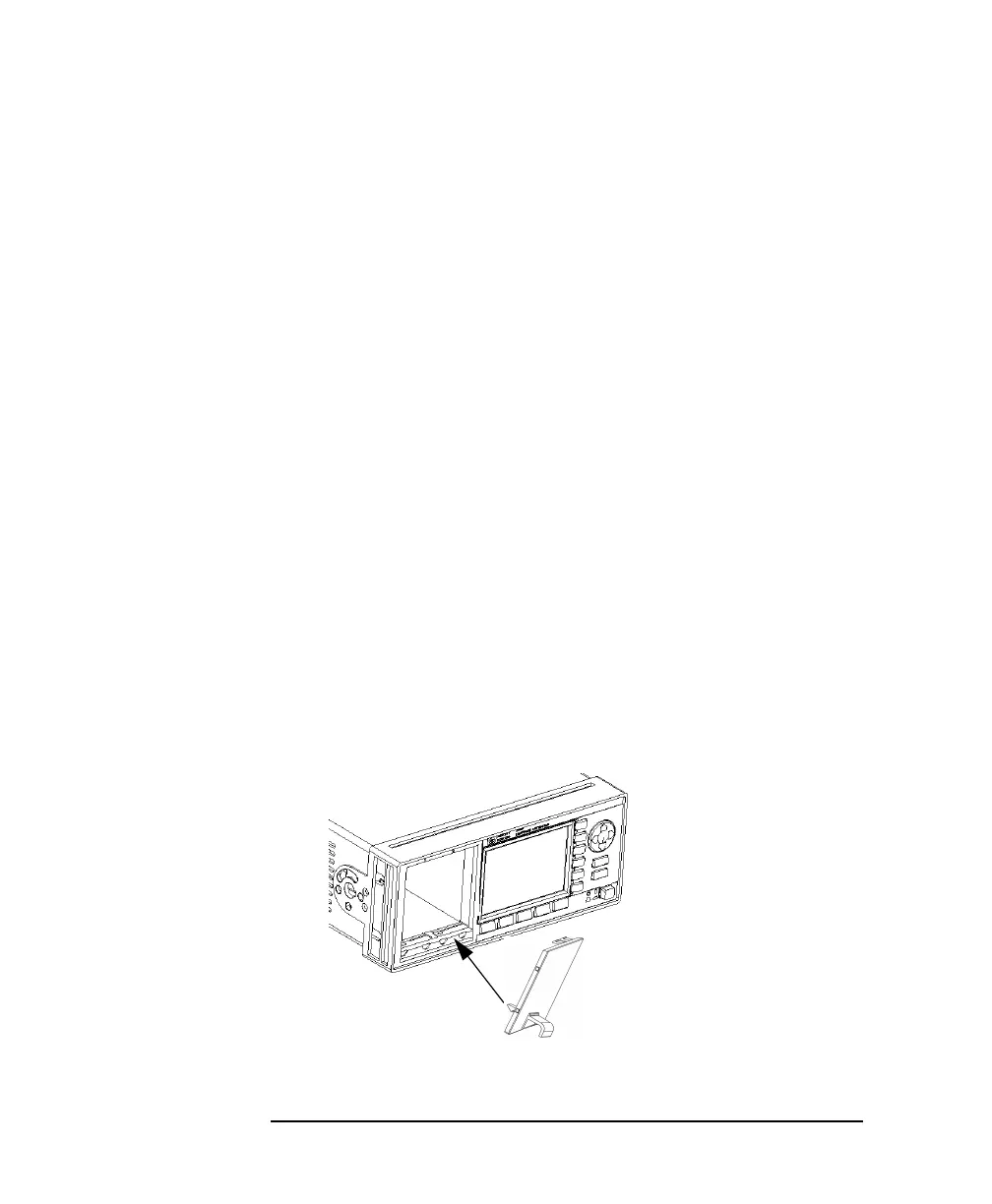
Fitting Blind Panels for Front-Loadable Module Slots
To fit the HP 08163-40199 Blind Panel, follow the following
procedure.
1 Position the blind panel as shown in Figure A-16. Position the
end closest to the handle against the bottom edge of the slot.
Figure A-16 Fitting a Blind Panel



 To Next Page