107
Tunable Laser Sources
How to Set the Wavelength
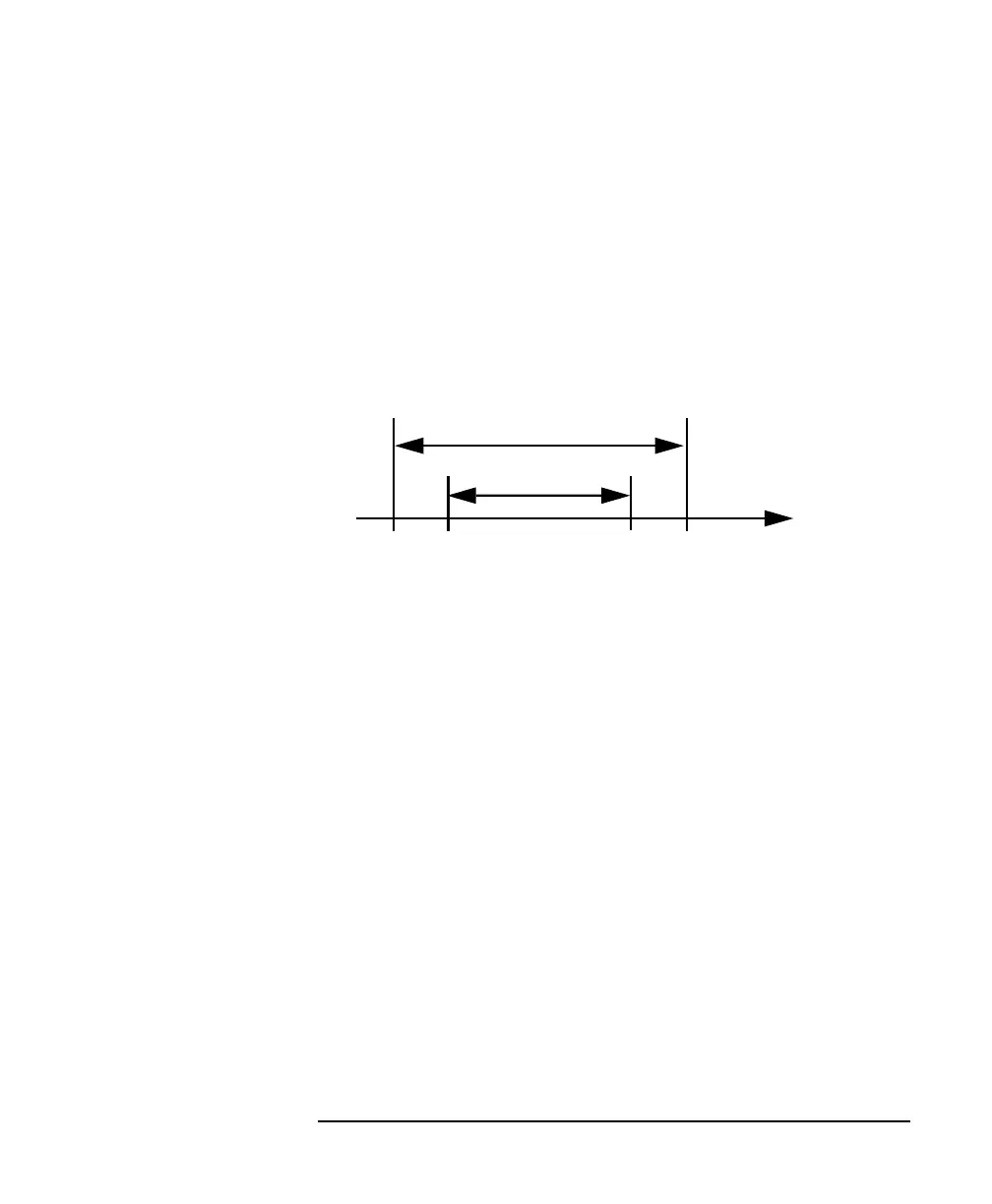
Every Tunable Laser module has a permitted wavelength range.
This range is greater than the specified range. The permitted
wavelength range varies for each Tunable Laser module. You can
set the wavelength to any value within the permitted wavelength
range.
Figure 5-6 shows an example of specified and permitted wavelength
range.
How to Set the Wavelength Directly
You can set a constant wavelength.
To set the wavelength to 1545.500 nm:
1 Move to the Tunable Laser channel.
2 Move to the wavelength parameter, [λ], and press ENTER.
3 Enter 1545.500 and press ENTER.
How to Set a Relative Wavelength
You use a relative wavelength for heterodyning, for example, when
you are measuring the linewidth of DFB (distributed feedback)
lasers.
The output wavelength, λ, is set from the base wavelength, λ
0
, and
the frequency offset, df. The formula for calculating the output
wavelength is:
where c is the speed of light in a vacuum (2.998×10
8
ms
−1
).
Figure 5-6 Specified and Permitted Wavelength Range
λ [nm]
Specified Range
Permitted Range
1460 1580 16001450
Not to Scale



 To Next Page