117
Tunable Laser Sources
How to Modulate a Signal
How to Use the Internal Modulation
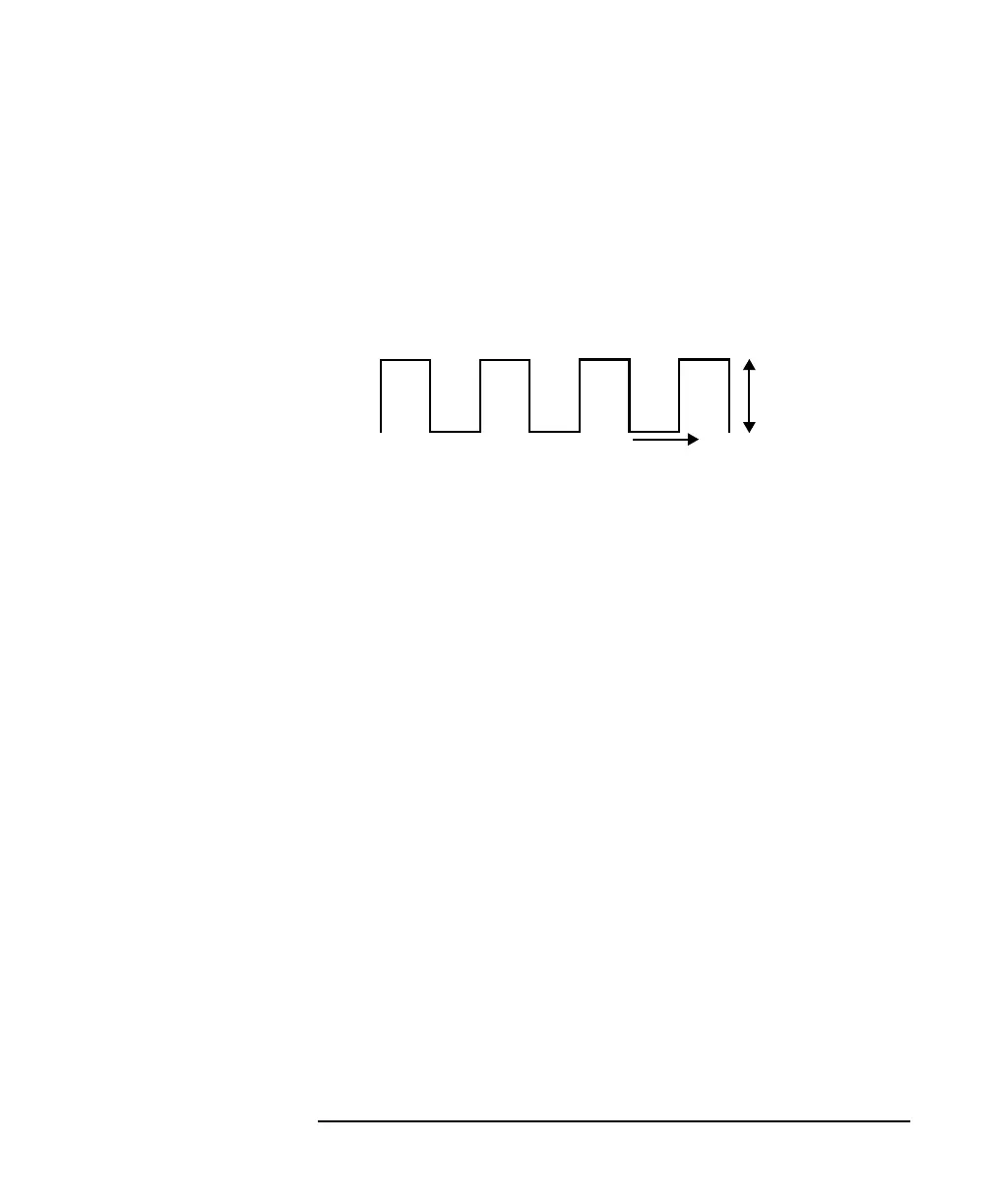
The internal modulation is a square wave with a 50% duty cycle.
You can set both the amplitude and the frequency of this signal. The
amplitude is set by the power parameter. This is the maximum
output power of the output signal; at the minimum output power, no
power is output.
How to Set the Output Power of a Modulated Signal
To set the output power to 555.000 µW:
1 Move to the Tunable Laser channel and press [Details] softkey.
2 Move to the power parameter, [P], and press [Pwr unit].
3 Move to <W>, by using the cursor key, and press ENTER.
4 Press ENTER to start editing the output power value.
5 Enter 555.000, press [Unit+] or [Unit−], as required, to select
<µW> as the power units, and press ENTER.
How to Set the Frequency of a Modulated Signal
To set the frequency of the modulation to 6.500 kHz:
6 Move to the frequency parameter, [MOD FRQ], press ENTER.
7 Enter 6.500 press ENTER.
How to Set the Modulation Mode
8 Move to the modulation source parameter, [MOD SRC],and press
ENTER.
9 Move to <INTERNAL>, by using the cursor key, and press ENTER.
The text Int appears in the Tunable Laser channel.
Figure 5-13 The Modulated Signal
Output
Power
t



 To Next Page