108
Tunable Laser Sources
How to Set the Wavelength
To set a frequency offset of 1.000 THz from a base wavelength of
1545 nm:
1 Move to the Tunable Laser channel and press [Details].
2 Press [Menu]. The menu appears.
3 Move to <WAVELENGTH MODE> in the menu and press ENTER.
A menu appears.
4 Move to <OFFSET>, by using the cursor key, press ENTER, and
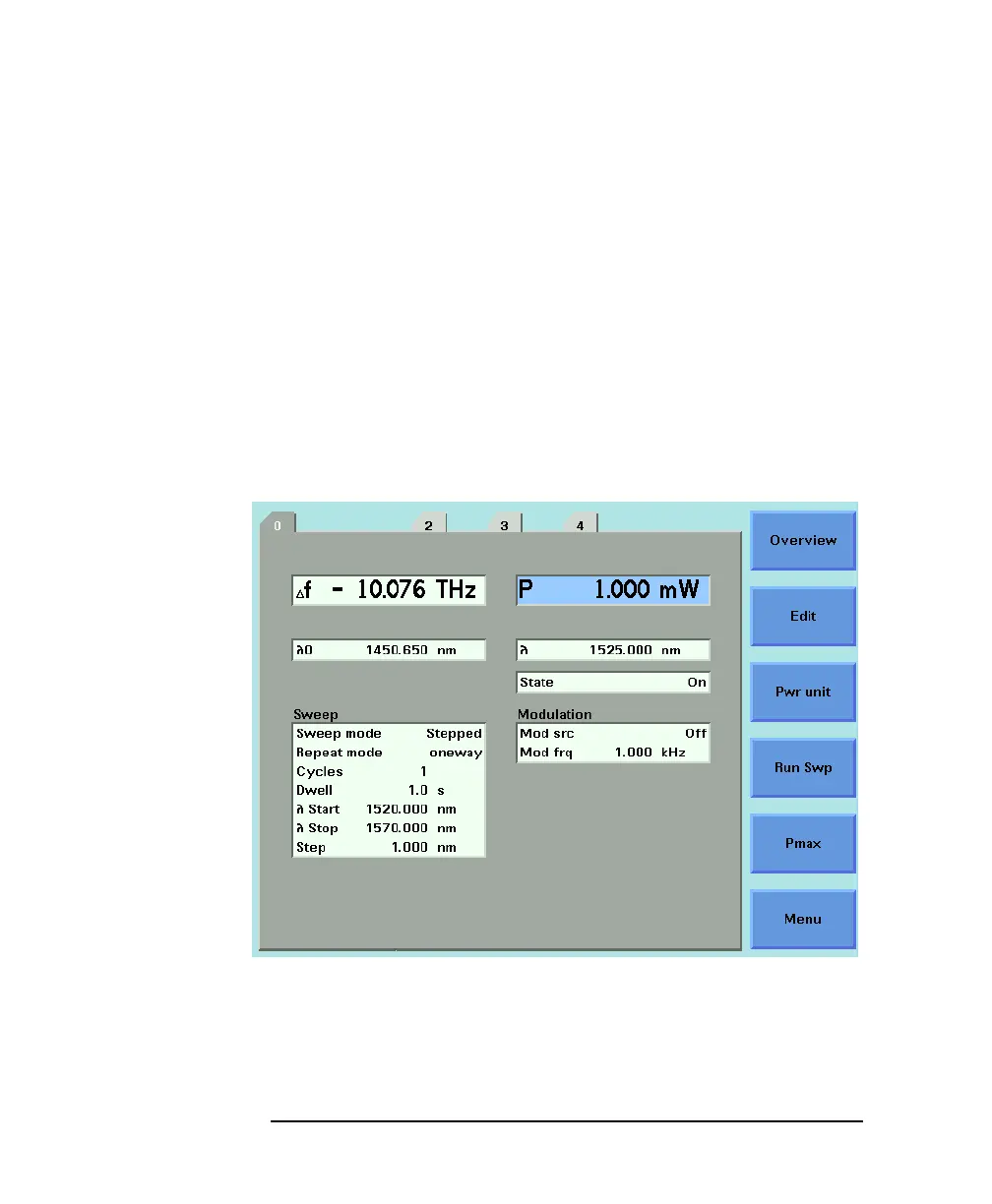
press CLOSE. You see the screen in Figure 5-7.
How to Change the Output Wavelength
5 Move to [λ] and press ENTER.[λ] is the output wavelength, λ,in
the equation above.
λ
cλ
0
λ
0
()df c+
--------------------------=
Figure 5-7 Setting a Relative Wavelength



 To Next Page